


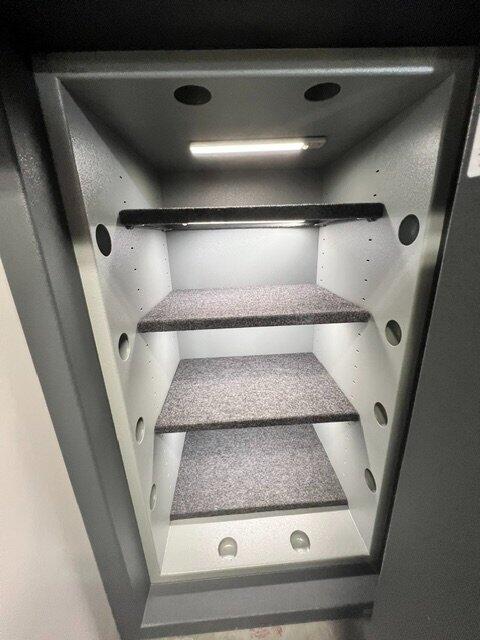
The extra shelf is 100 percent worth is for the Hollon 3418, which is plenty big enough to support it. I covered mine with polymat and am very happy with the results.
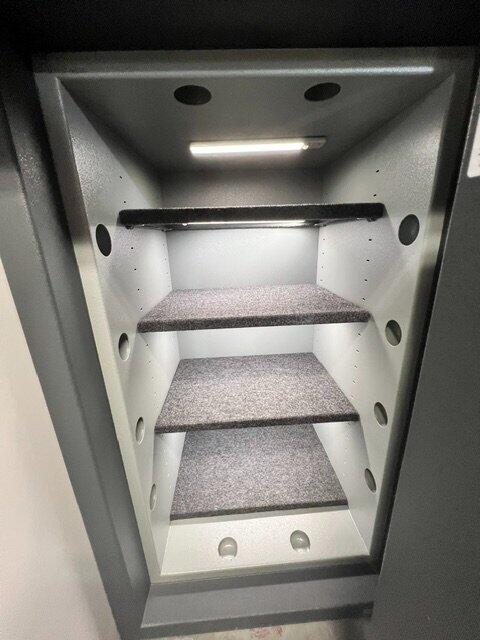
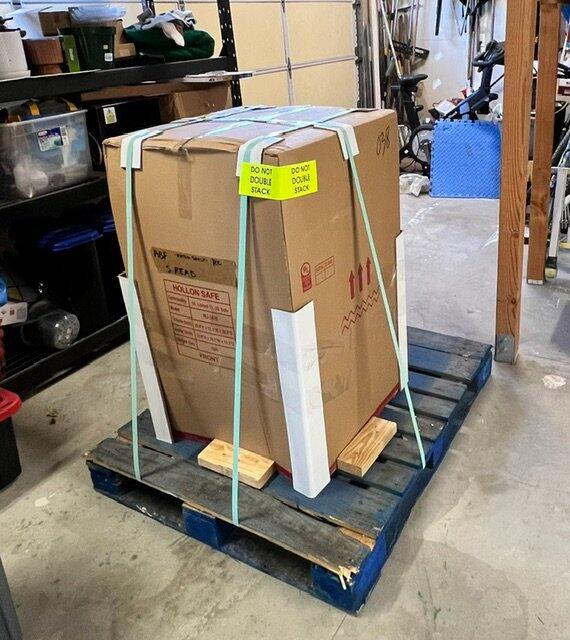
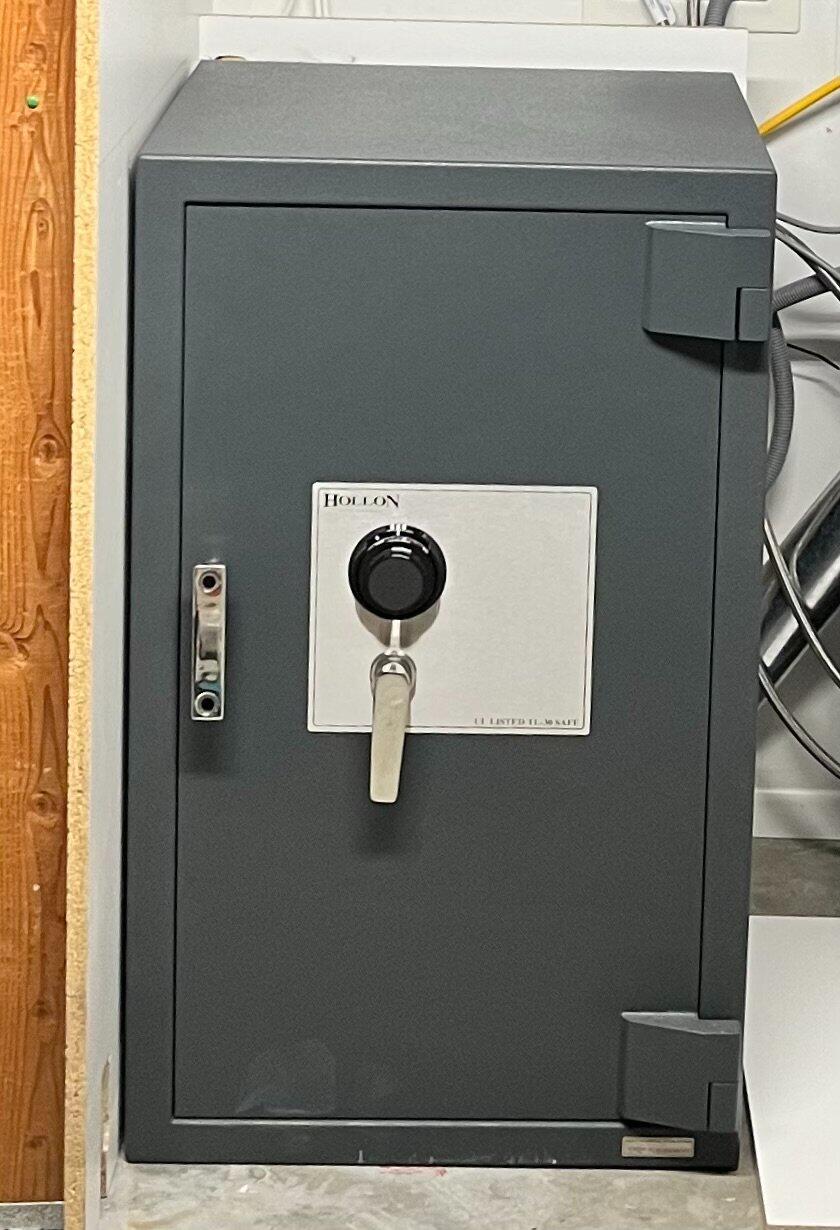
Love this safe! I was tempted to go smaller, but I know how quickly safes fill up, so I went with the Hollon 3418C—this thing is a beast. I paid the extra $100 for garage delivery (worth it), then let it sit there for a week while I figured out how to move 1,225 lbs. without hiring a safe or moving company. I ended up buying a relatively inexpensive ($90) Johnson bar and a furniture dolly set from Amazon. The bar is rated for 11,000 lbs. and the dollies for 3,474 lbs. We absolutely destroyed the dollies getting the safe off the pallet, but my son and I used the pry bar to get it onto two lengths of 1/2” galvanized pipe and maneuver it into place. I panicked a minute while bolting it down because my drill (and resulting hole) were apparently out of plumb slightly and the bolt head caught the edge of the recess. I got the Johnson bar under the hinge and nudged the safe just enough to get the head into the recessed hole. I used a 1/2"x6” concrete screw anchor (it takes several inches just to reach the concrete), which takes a 3/4" socket. Several of mine were too wide to fit inside the recess – more panic – but ultimately got one to fit. The inside of the safe is nice, though the surfaces are bare metal, which isn’t my preference. A roll of polymat and some spray adhesive fixed that easily enough. I also added rechargeable LED lights under each shelf. They’re magnetic, so they stick right on, and the motion setting turns them on when I open the door or move my hand close. I bought an extra shelf and am glad I did because there’s plenty of space. I also cut a piece of 1/2” plywood to the shelf dimensions and added thin spacer strips around the bottom so it wouldn’t rock on the plastic cap in the hole. Maybe I could have left the plug out, but adding the spacers wasn’t a big deal, and I was making the shelf anyway because it made carpeting the bottom easy. This was not a small purchase for me by any stretch, but I feel it was worth it. Mammoth Safes’ customer service also deserves credit. Shellah was always pleasant and quick to reply. I’d happily buy from Hollon and Mammoth again. Thank you!
I examined lots of options. This safe had the best combination of size/fire rating/jewelry storage capabilities/cost. It was on backorder for several weeks, but I think it was worth the wait. It seems very strong and stout even though it has no TL rating. Mammoth was easy to work with and extremely responsive. Recommend both the safe and the vendor.
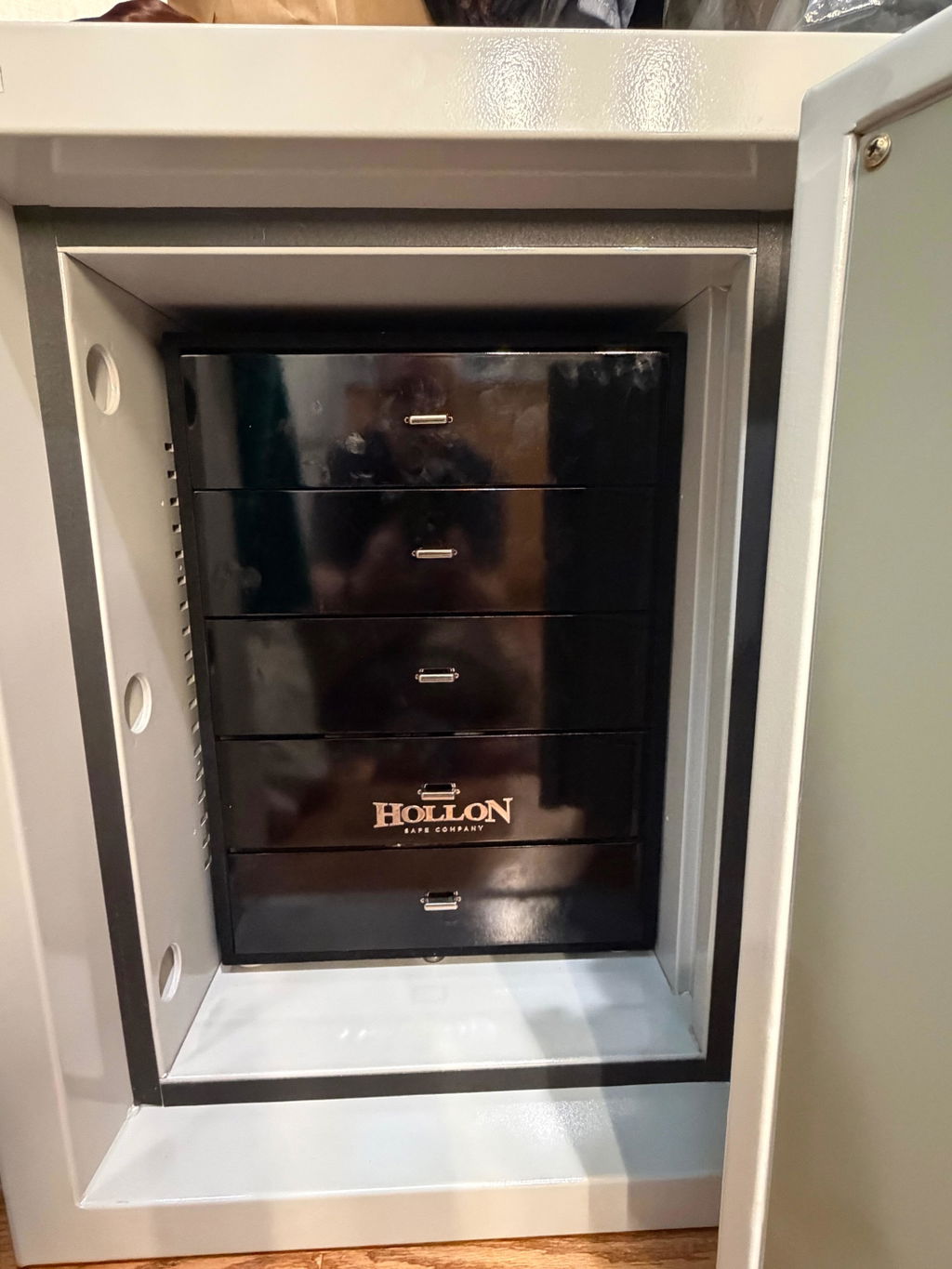
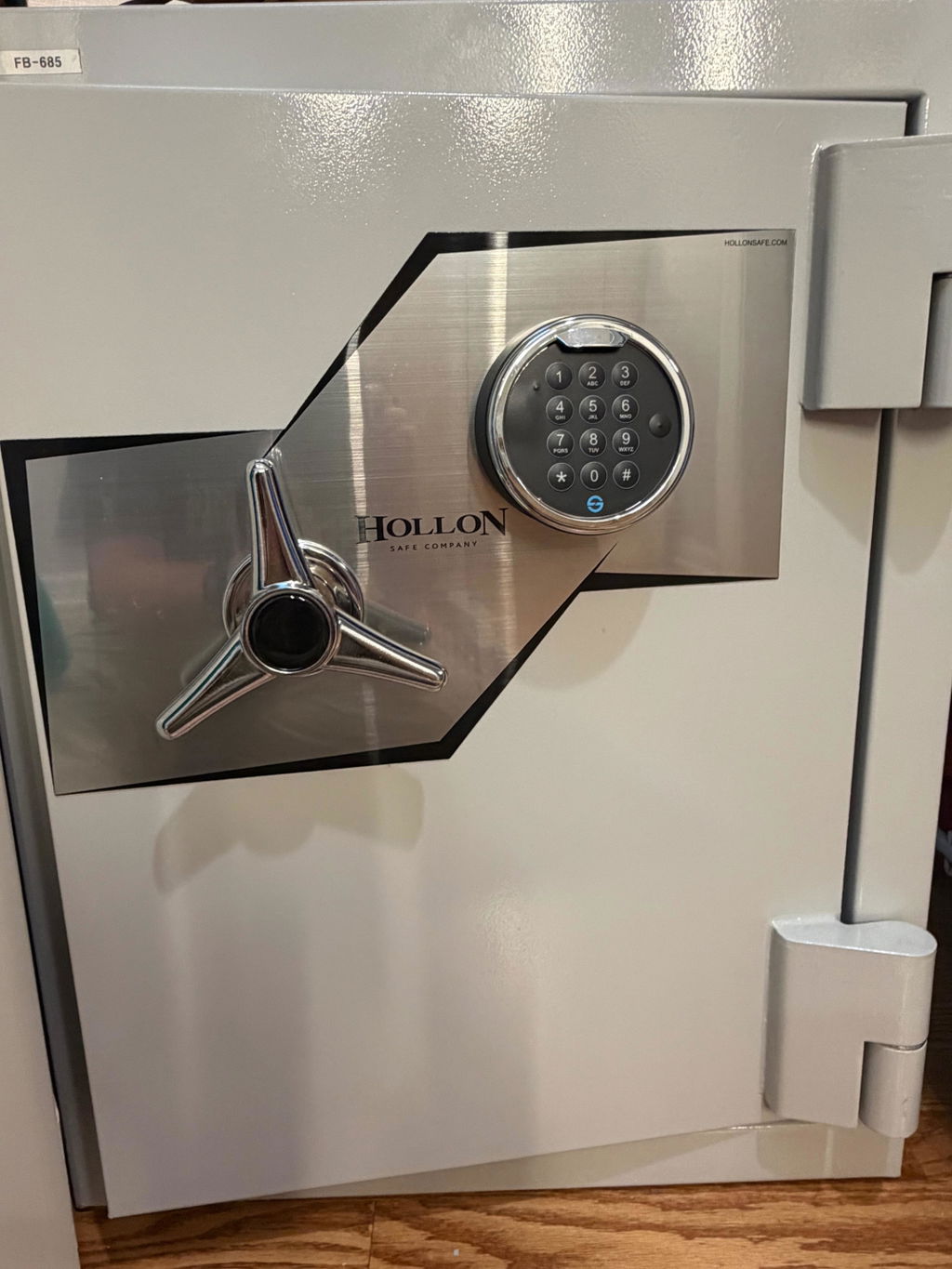
I am very happy with my safe and service from Mammoth. Shellah was very communicative during the process and worked with shipper to get it delivered to an out of the way address.
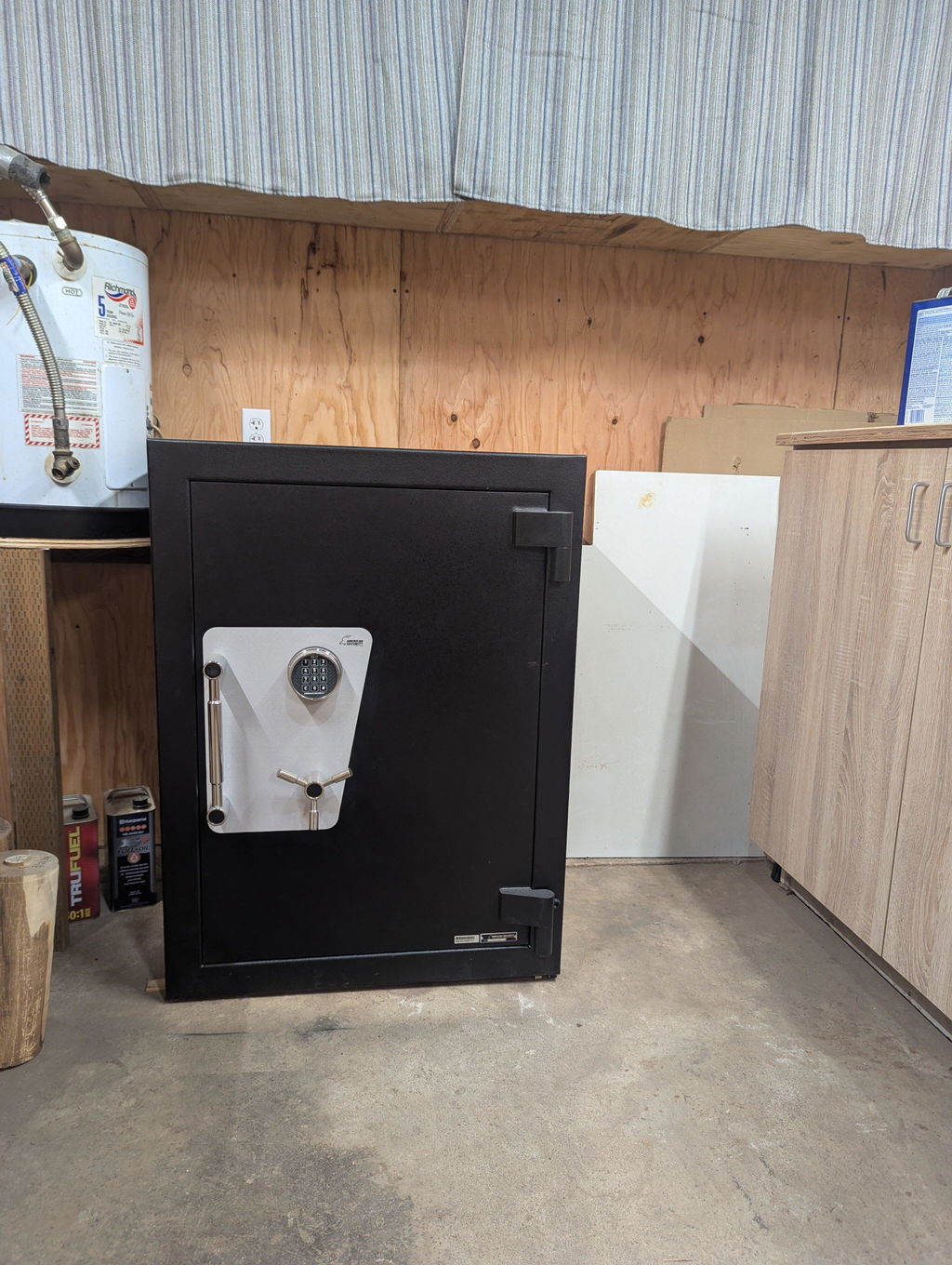
Although we had to wait for our Hollon safe, it was more than worth the wait. Mammoth’s customer service kept us up to date on the delivery date and was extremely helpful. Couldn’t have asked for more!!
The standard lock is adequate for a single user setup. If u want time delay, multiple users and commercial quality then chose the Titan upgrade.
Mammoth is easy to work with. Deliveries are on time and order processing is easy. Shellah is great.
This is my second Hollon Safe (safe #1 is a Hollon Republic). Both safes have upgraded S&G Titan locks (imo worth the upgrade) and both safes have a second shelf (again imo worth the upgrade). Hollon gives you good quality for the price. The safe is well built with good accessories included. The hinges are exceptionally nice and the door works well.
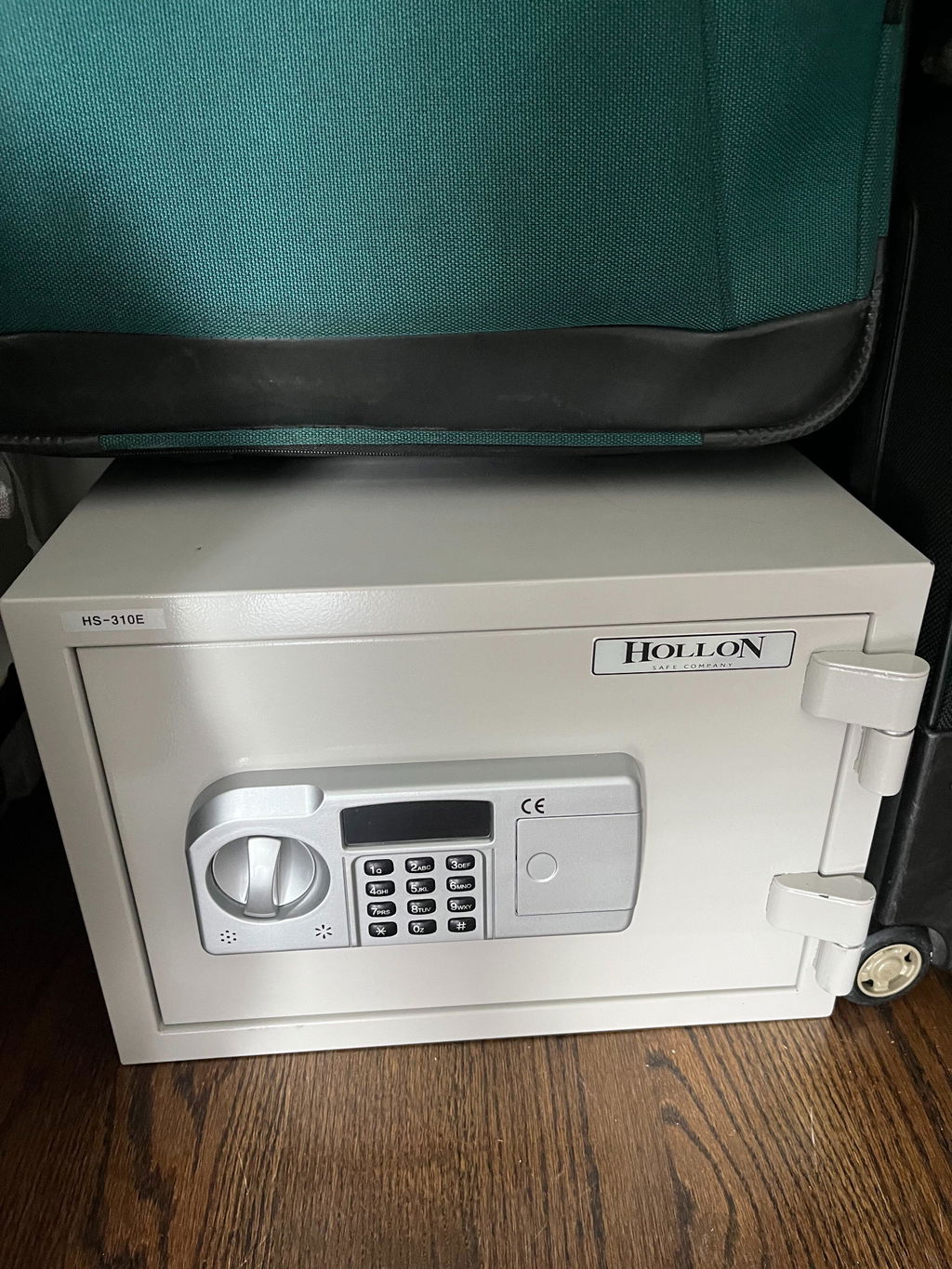
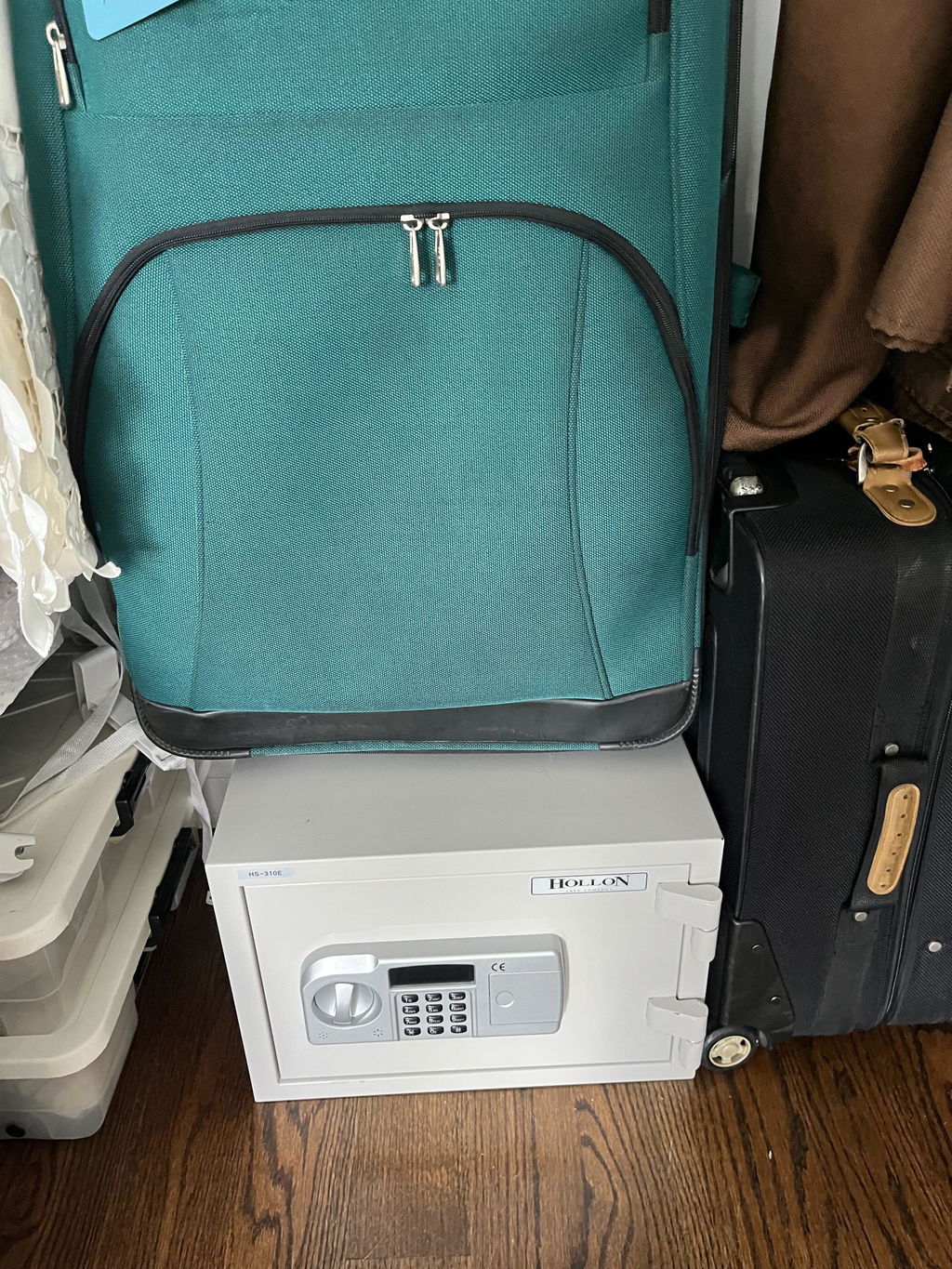
This little safe is surprisingly heavy for the size, which is actually quite comforting. The capacity is large enough for our needs, yet it is compact enough to hide in a closet under some luggage. We scrapped the provided anchor bolt because it was much easier to secure it to our wood floor with a heavy grade hex head wood bolt - this safe isn't going anywhere. Easy to program our own unique access code. Very satisfied.
Great safe, timely delivery, excellent buying experience. Top tier merchant!
I've had a wonderful experience dealing with Shellah at Mammoth Safes. From the very start she was super helpful with answering all my questions. I had a situation where I wanted to place my order right away since this safe was on backorder and I wanted to be included in the new order; however I needed to delay delivery for a short time. Shellah made sure my order was placed, helped with the veteran discount and then worked with Hollon to delay shipment to me until I was ready.
The safe is the perfect size and exactly what I needed. Hollon is a reliable brand and I'm super happy with my purchase.
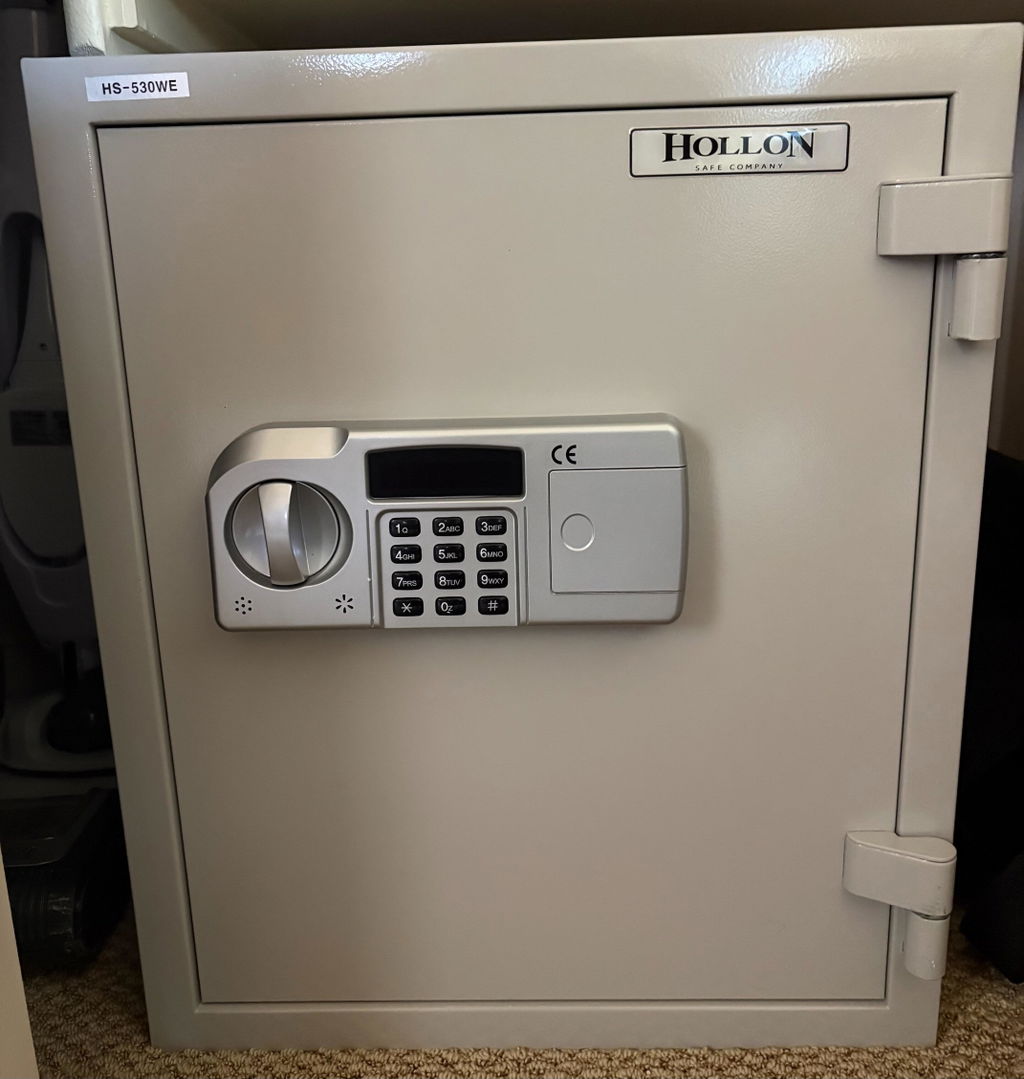
Excellent safe for mid level security and fire protection. If burglary protection is not your priority and you’re looking for general security and fire safety for your high value items this the safe for you. Heavy build with a bolt down option for a piece of mind. Fast discreet delivery with solid packaging on a pallet delivered in my garage. This safe is heavy at around 140 lbs so if you have obstacles to overcome you may want to add the install option to your order. If I need a additional safe or a upgrade I will definitely reach out to Mammoth safes for any future safe purchases.
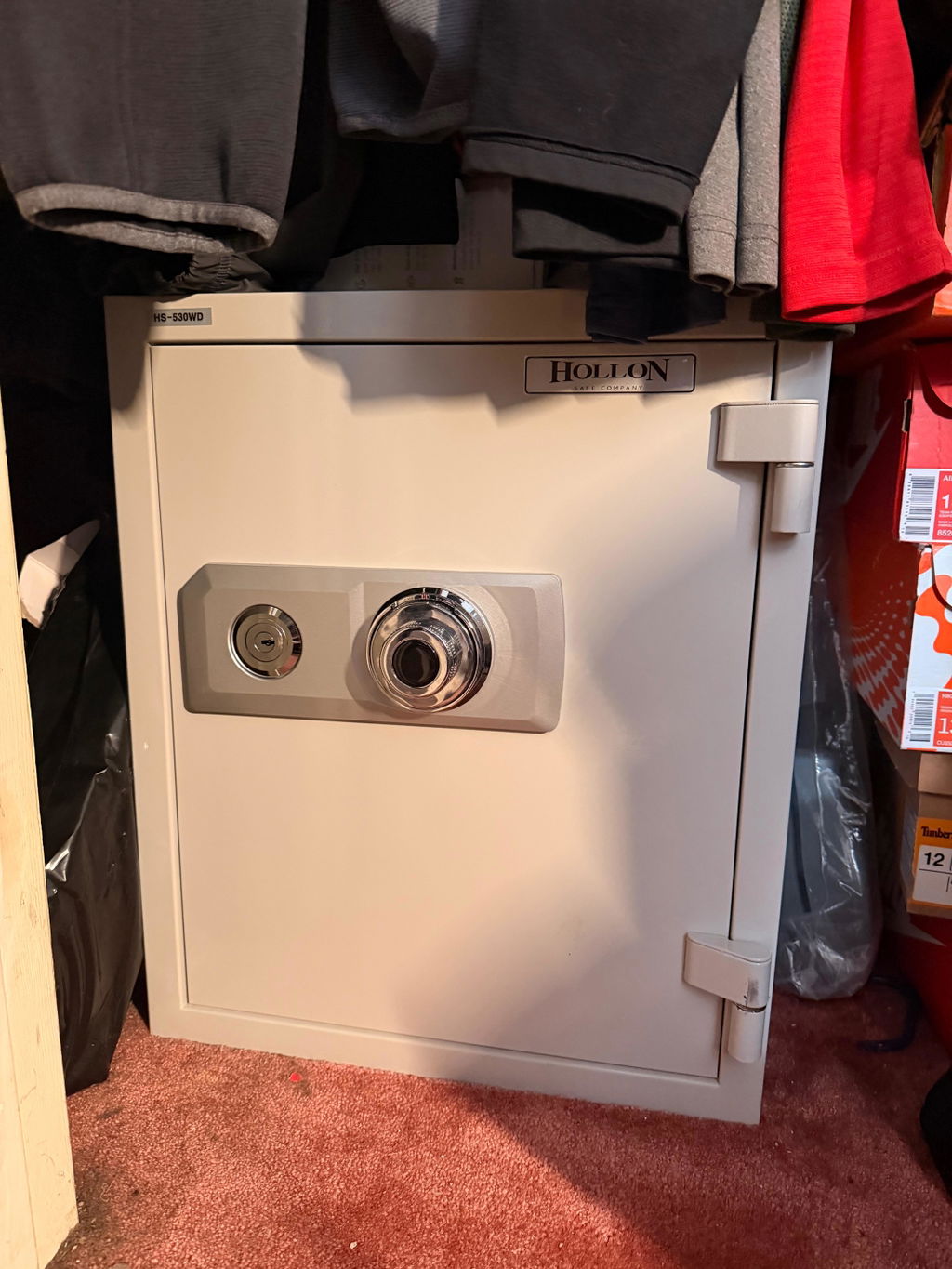
This is a well built safe. Clearly not a Sentry Safe or the other things you see at department stores. It has good capacity with a top drawer for documents and small things and a shelf that you can place at various levels. The keypad is easy and I like that the batteries are on the outside and that there’s no key override.
No problem with the safe except for during Shipping it had got damaged at the top. The odd thing the cardboard box had no physical damage on it, but the top of the safe had a huge dent in it. I was sent some touchup paint.🥲
Outstanding product and terrific service from Mammoth Safes and Hollon. Shellah was so professional, thorough and courteous throughout the entire process (initial contact, ordering, payment, shipment and delivery). Thank you Shellah, Mammoth and Hollon for making this purchase a wonderful experience.
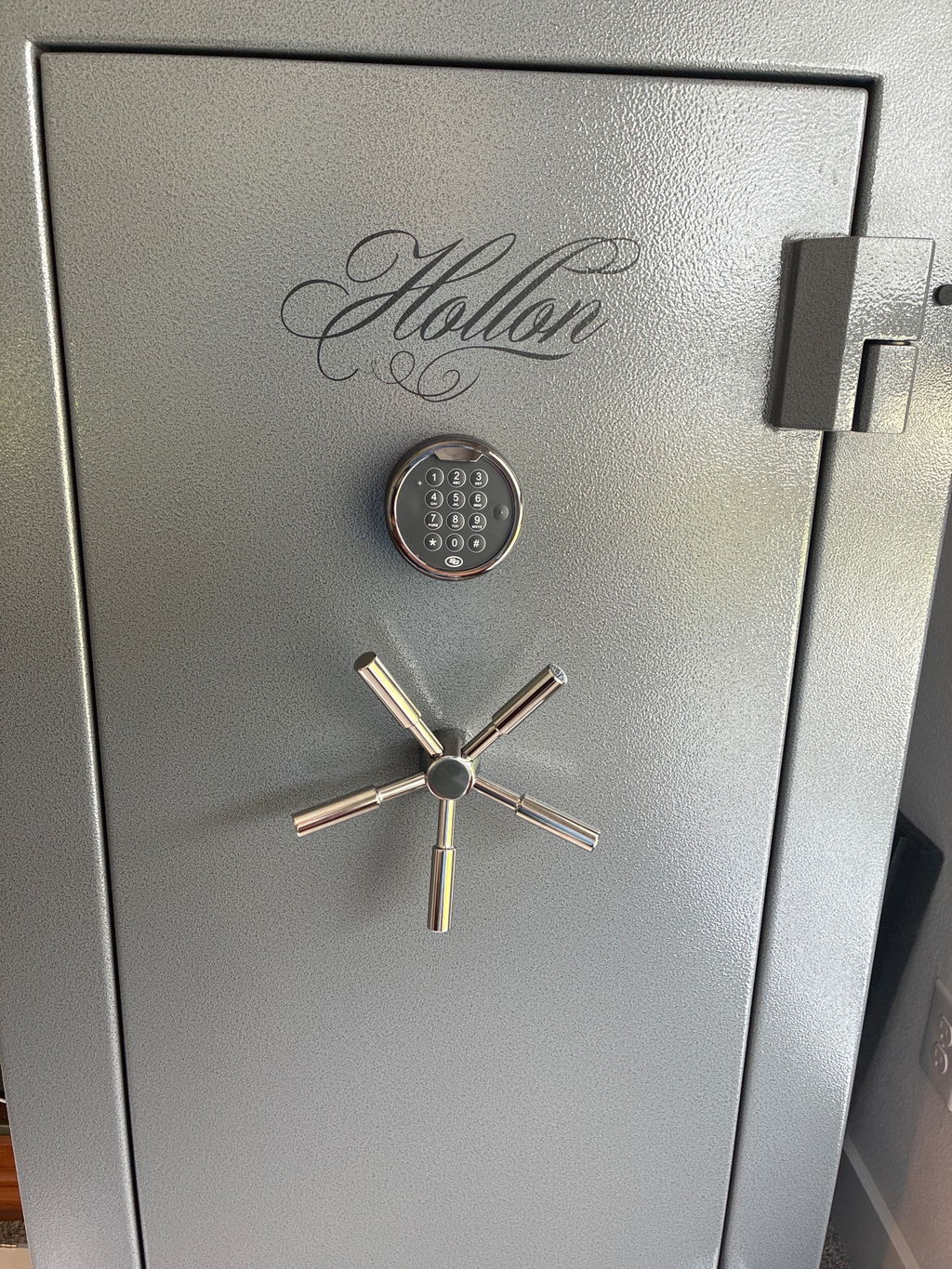
For years I've kept my precious metals in my gun safe. A higher end safe. But as my silver and gold collection was getting substantial I started worrying about it. I bought this Hollon 1014c, bolted it down with a 1/2" x 5" concrete screw. It isn't going anywhere, and no one is getting in it. What a beast, perfect for precious metals
The safe met all of my expectations and desires.
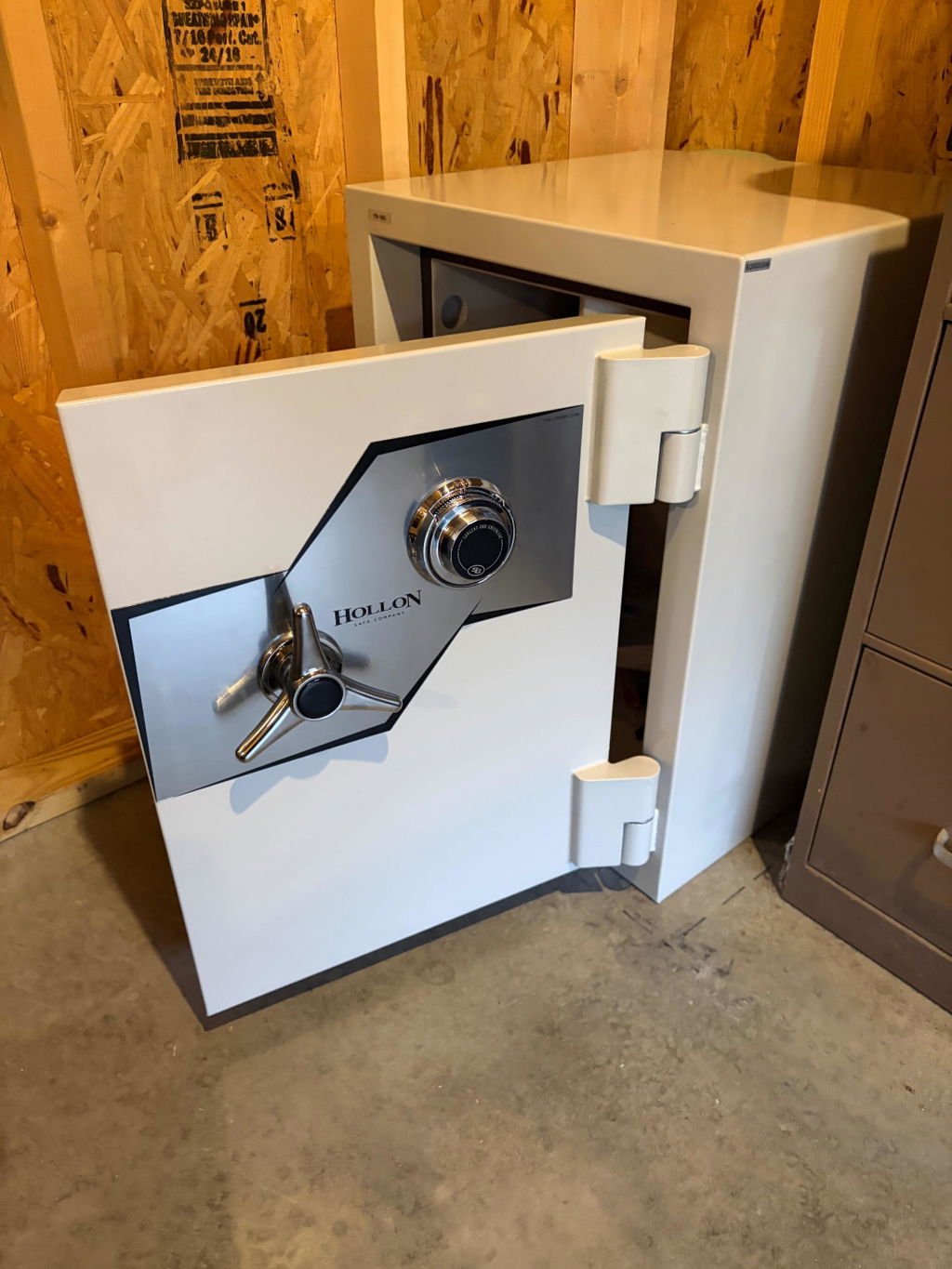
After recieving the safe, I got to say I'm impressed. It's a very solid safe and I wont have to worry about my stuff. You dont have to worry about anybody picking it up, and running off with it. Very simple and easy to open. Dial turns very smooth and door opens with ease. I put a tilt sensor in it, so if anyone was to try and get it, im immediatly notified with 130 decibal alarm blaring! Im very satisfied with this purchase, and glad I chose Hollon!
I was a little reluctant to make a high value purchase like this on-line but my interaction with customer service eased those concerns. The price was right, the transaction was smooth, the safe arrived very well packaged and protected and the communication throughout the process was excellent. I would not hesitate to recommend mammoth safes or purchase from them again.
This safe is an absolute tank. I feel confident my valuables are now protected. The communication after ordering was top notch and I received proactive emails about the status of my order that kept me updated. Delivery was also smooth and the safe came well protected.
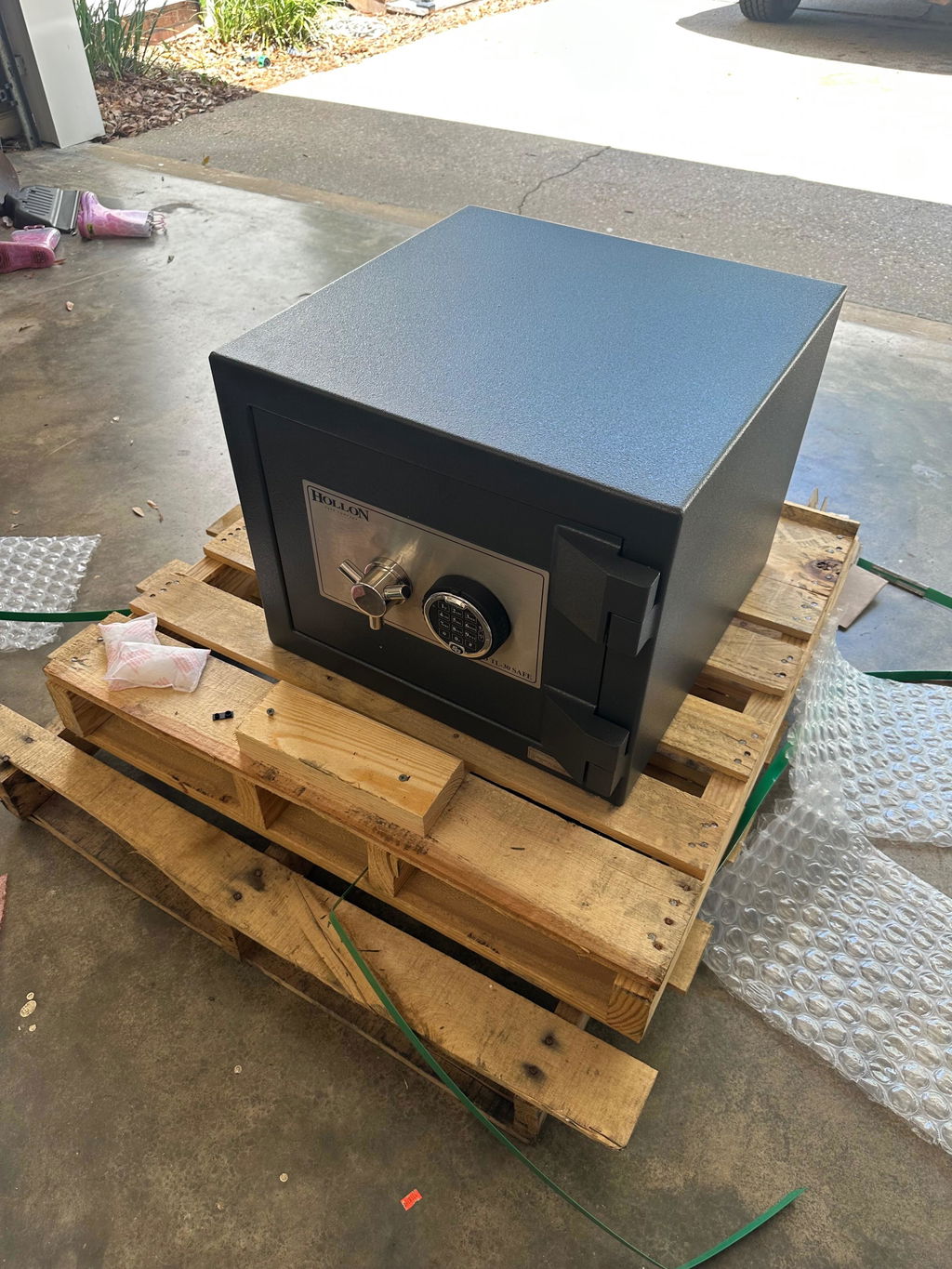
Mammoth safes, great place to get your safe. Great prices,quick shipping and great customer service. If i ever need another safe i will come back to Mammoth safes!
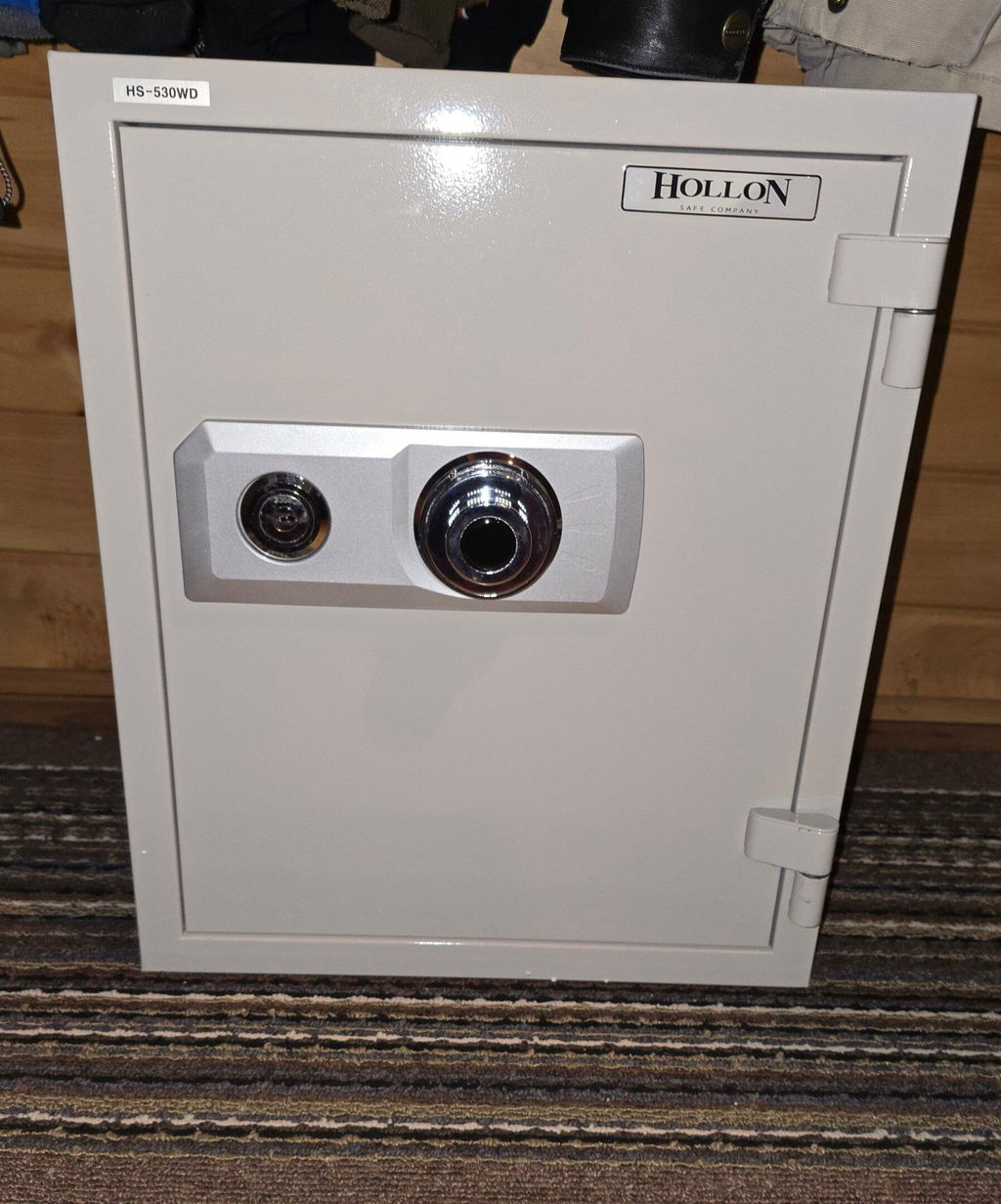
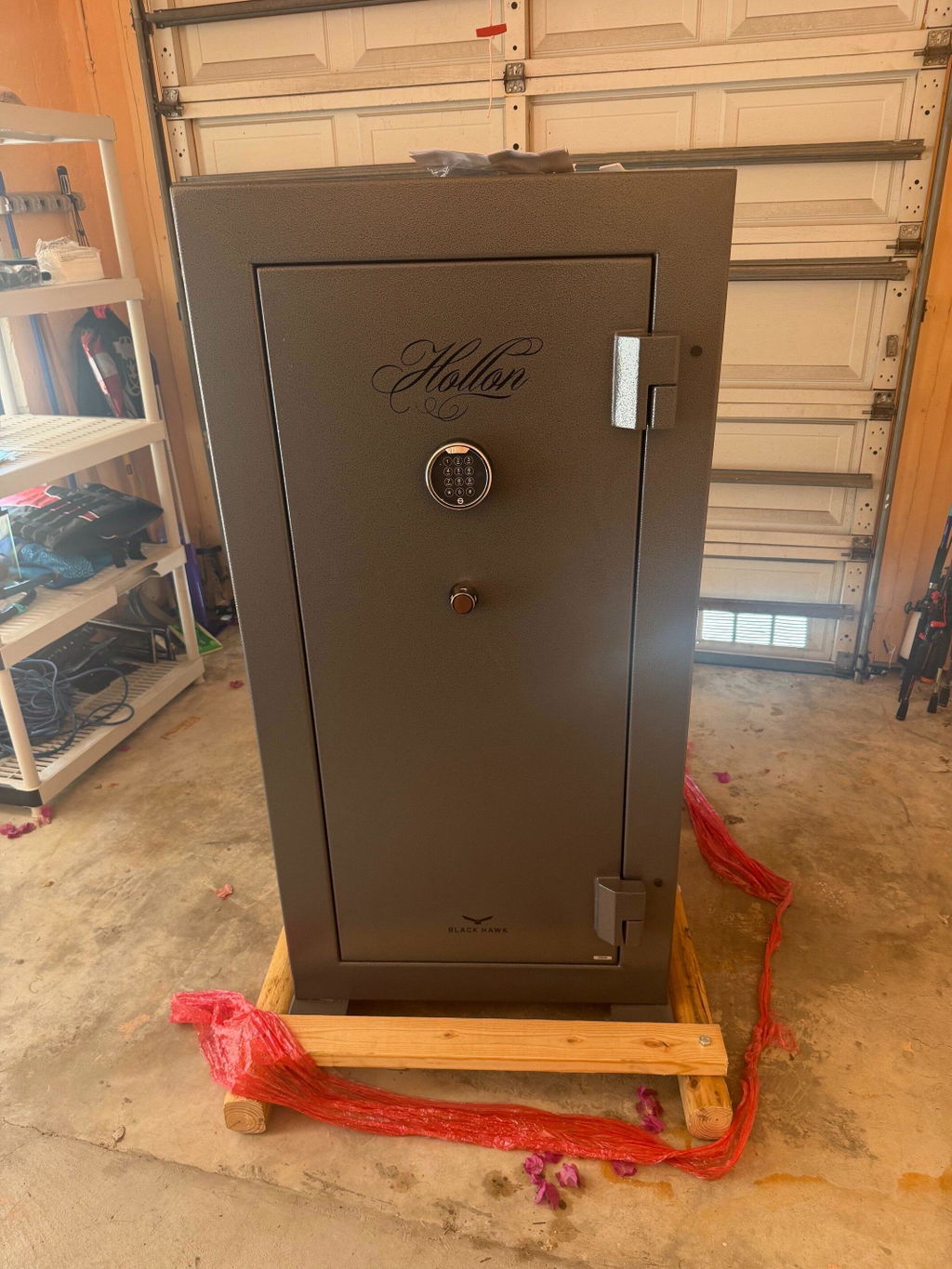
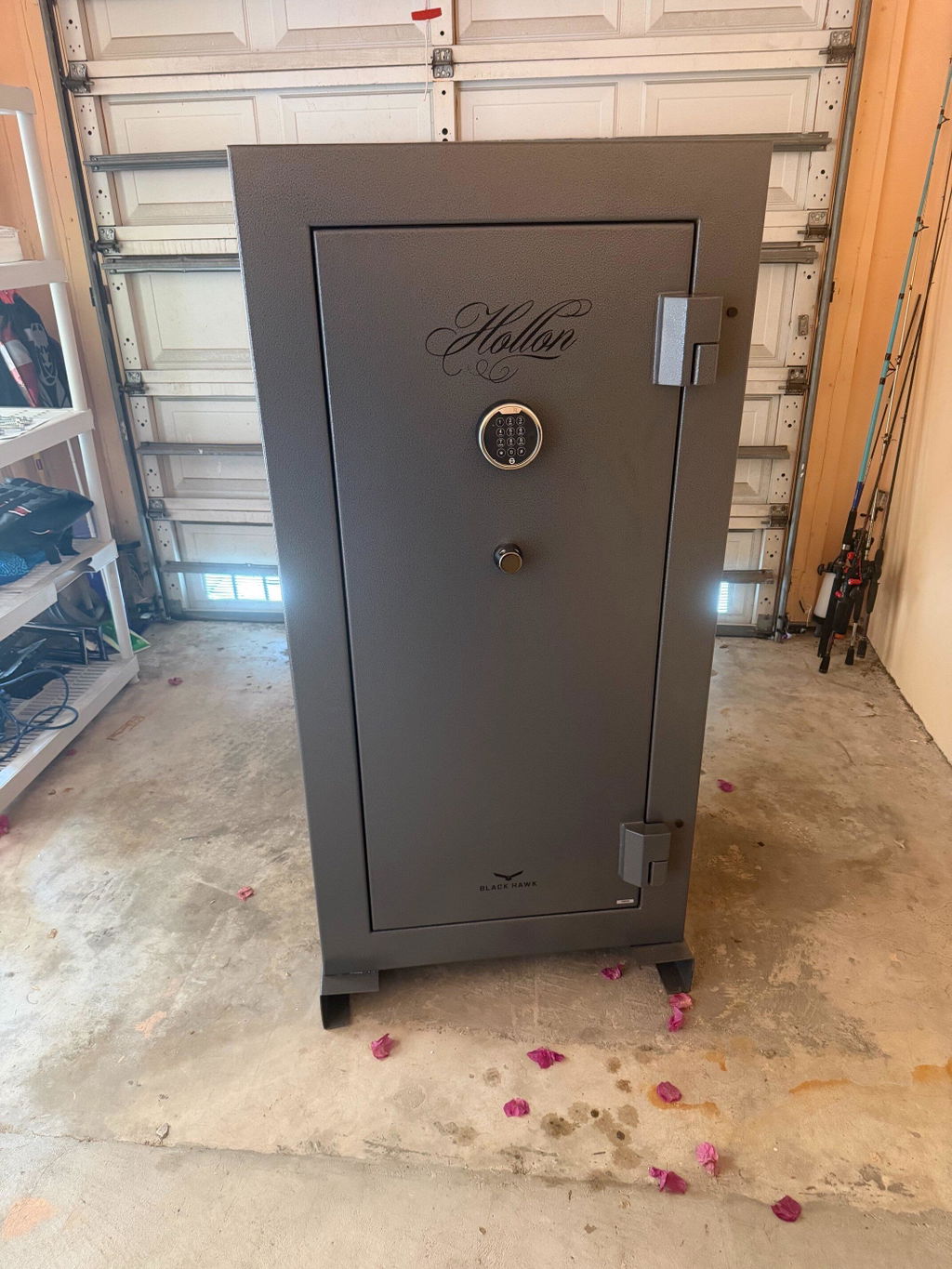
I recently purchased the Hollon BHS-39E Black Hawk Gun Safe, and I couldn’t be more impressed with both the product and the overall experience. The build quality is outstanding—this safe is solid, heavy-duty, and clearly designed with security in mind. The craftsmanship is evident from the moment you see it, with a durable finish and a well-designed interior that makes organizing firearms and valuables easy.
One of the standout aspects of my experience was the shipping. Freight delivery was surprisingly fast and efficient, and everything arrived in perfect condition. It’s clear that care was taken in packaging and handling.
Customer support was equally impressive. Any questions I had were answered promptly and professionally, which made the entire purchasing process smooth and stress-free. It’s refreshing to deal with a company that genuinely values its customers.
I also really appreciate that they honor discounts for military personnel and first responders. That level of respect and recognition goes a long way and speaks volumes about the company’s values.
Overall, the Hollon BHS-39E Black Hawk Gun Safe delivers excellent quality, backed by top-notch service and fast shipping. I would absolutely recommend it to anyone looking for a reliable, well-built gun safe.
I needed a small secondary safe for in a small closet. This fit the space perfectly to hold a couple of rifles and hand guns. Safe is sturdy and will do the job. Open easily and will secure my firearms
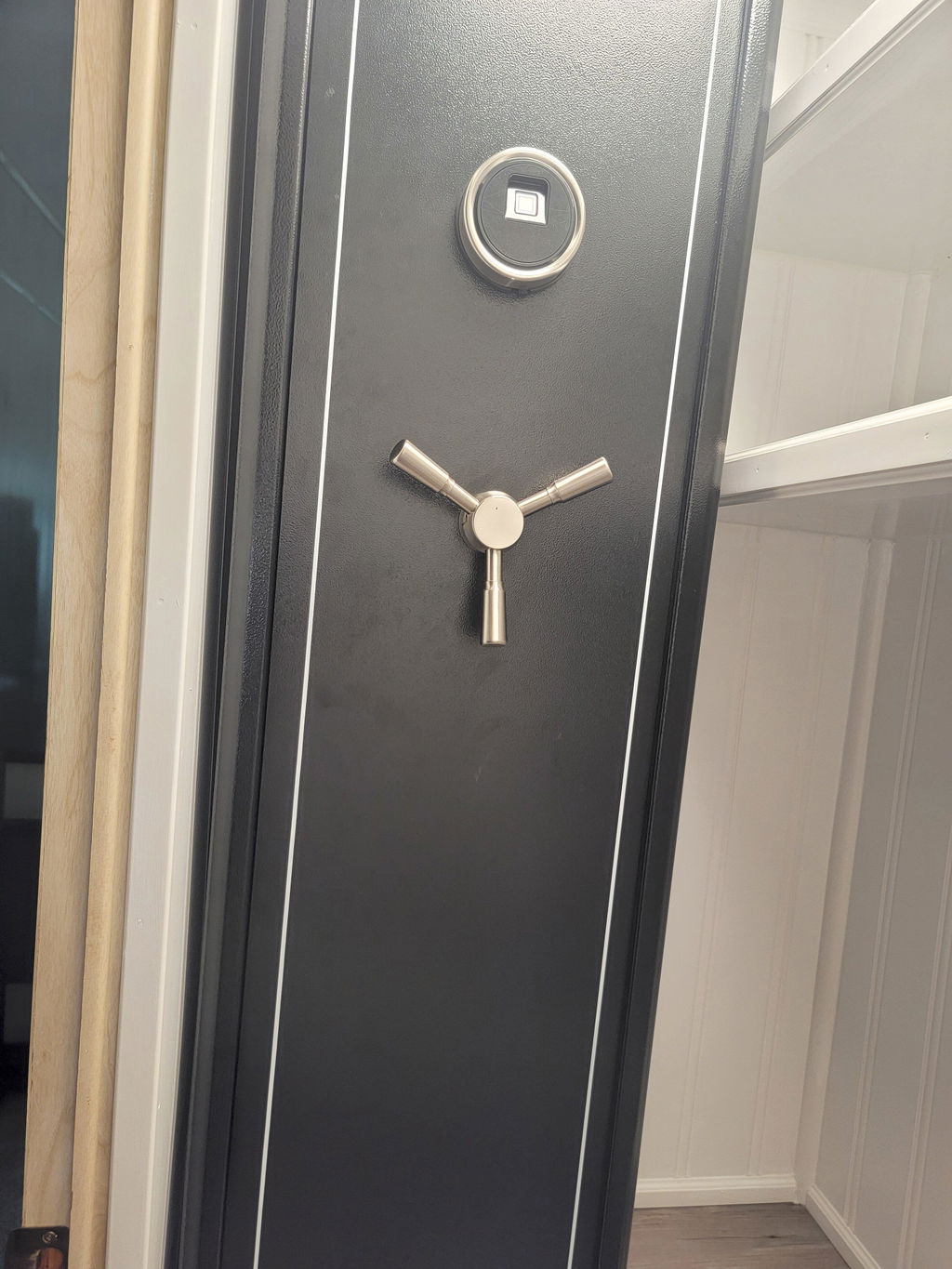
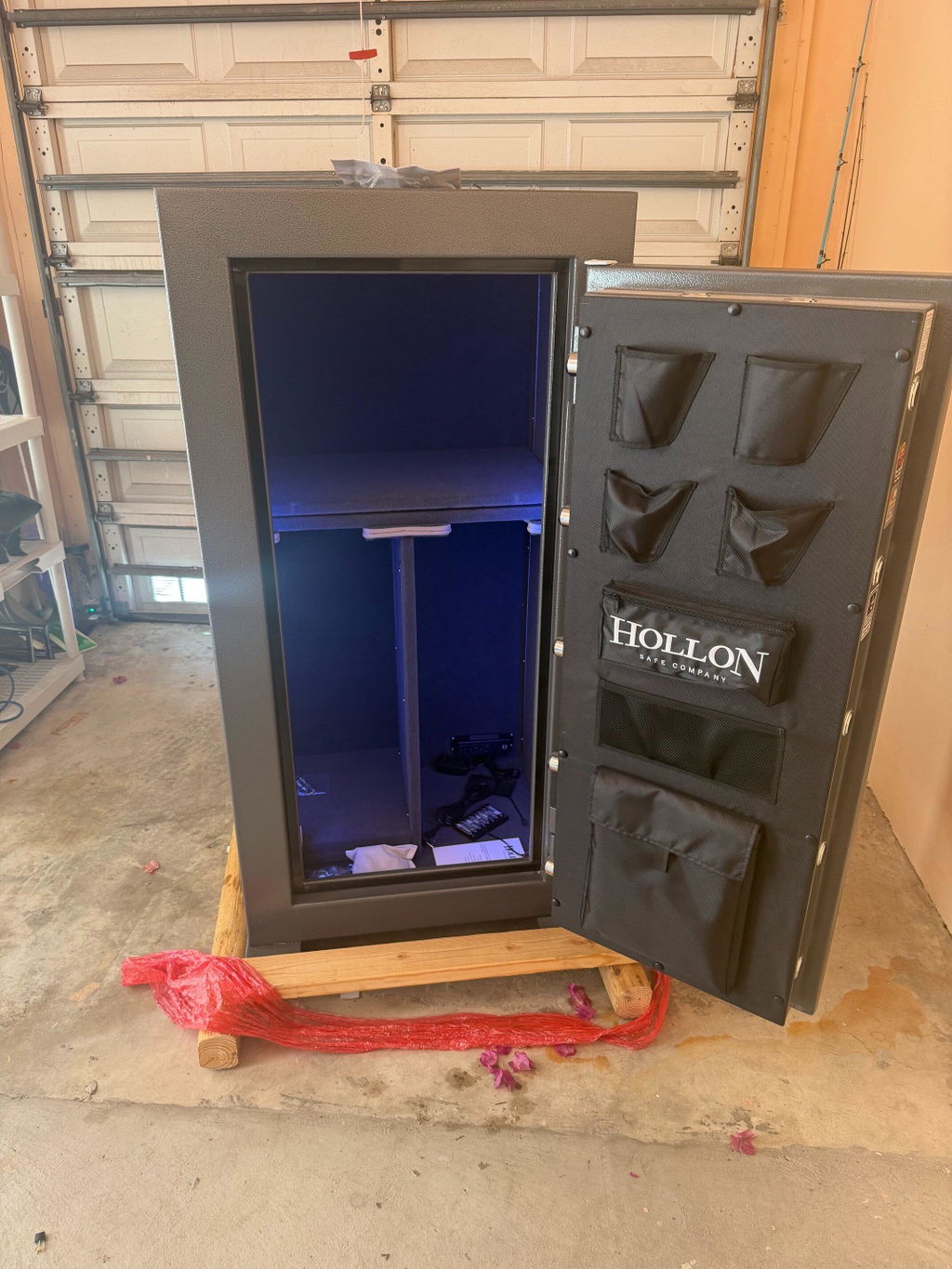
This is my first safe and I spent alot of time looking at various brands and companies. I reached out to Mammoth Safes and got assistance in choosing my safe. Shellah was honest, didn't pressure me, and explained the entire process. The safe arrived in the timeframe I was given and in PERFECT condition. HANDS DOWN INCREDIBLE BANG FOR BUCK! The lights are clean and motion censored, tons of space for what I need, solid build, 75 min fire rating is amazing. I could not recommend Mammoth Safes or Hollon anymore than I have. 10 out of 5 stars!
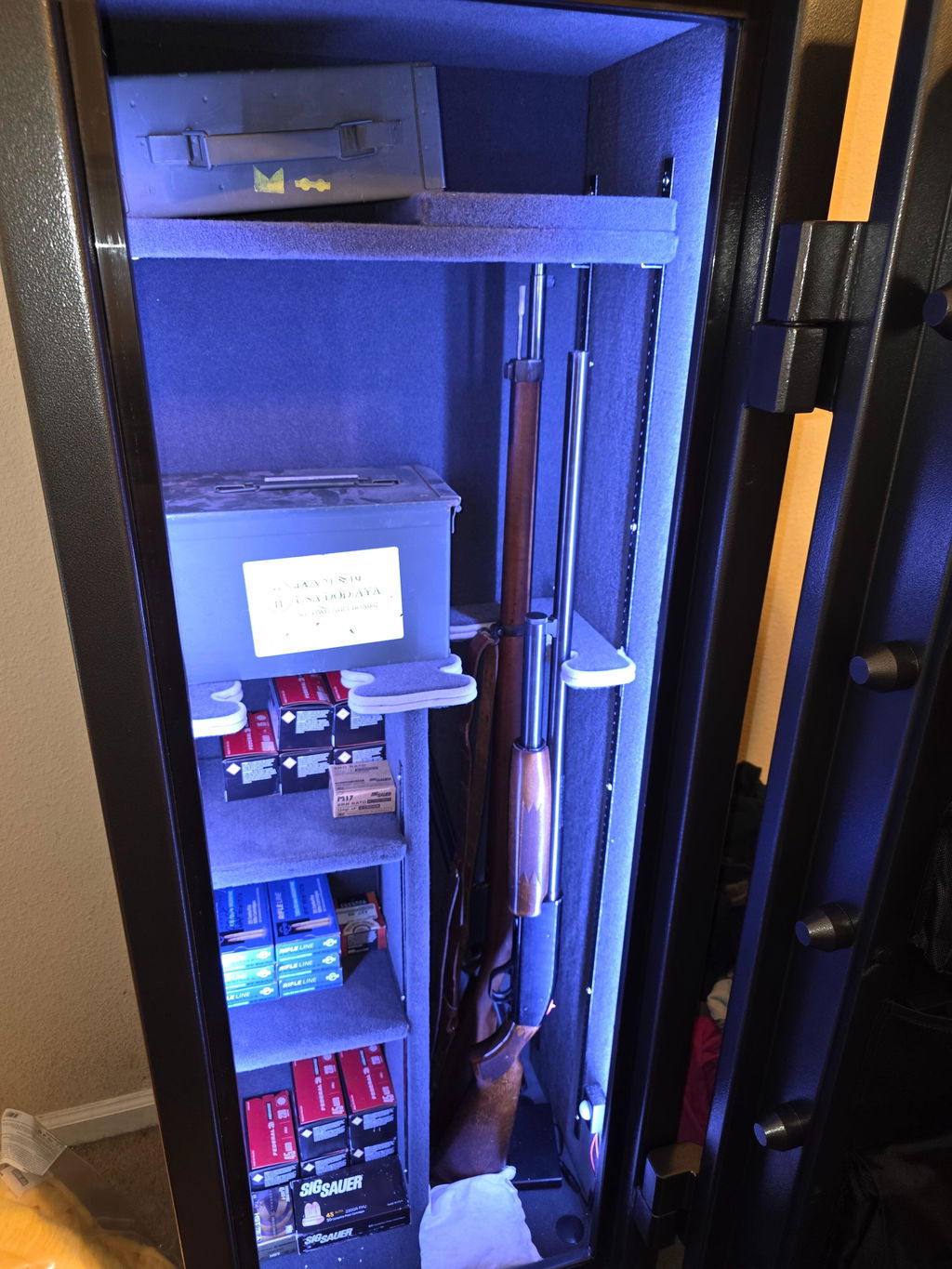
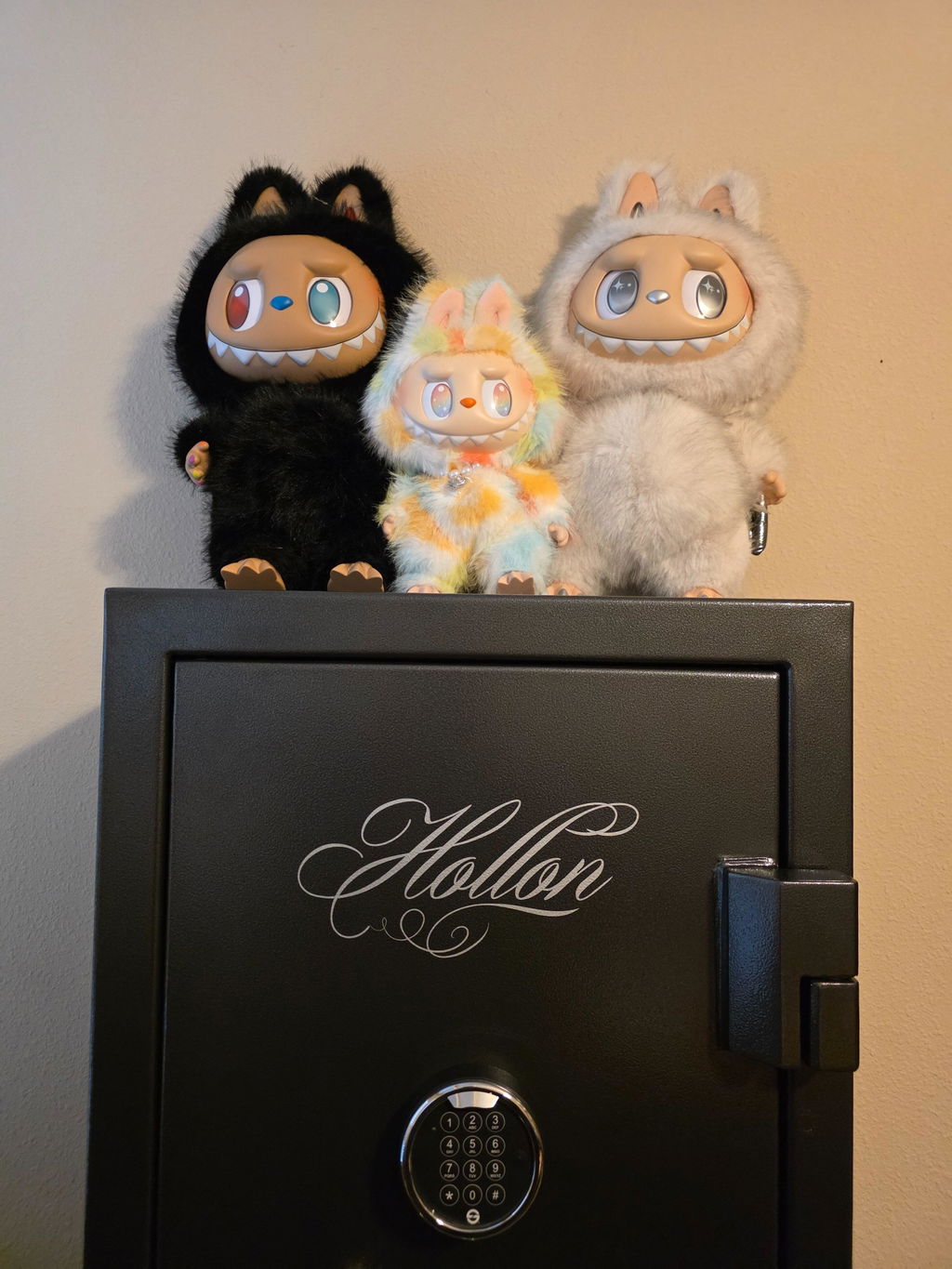
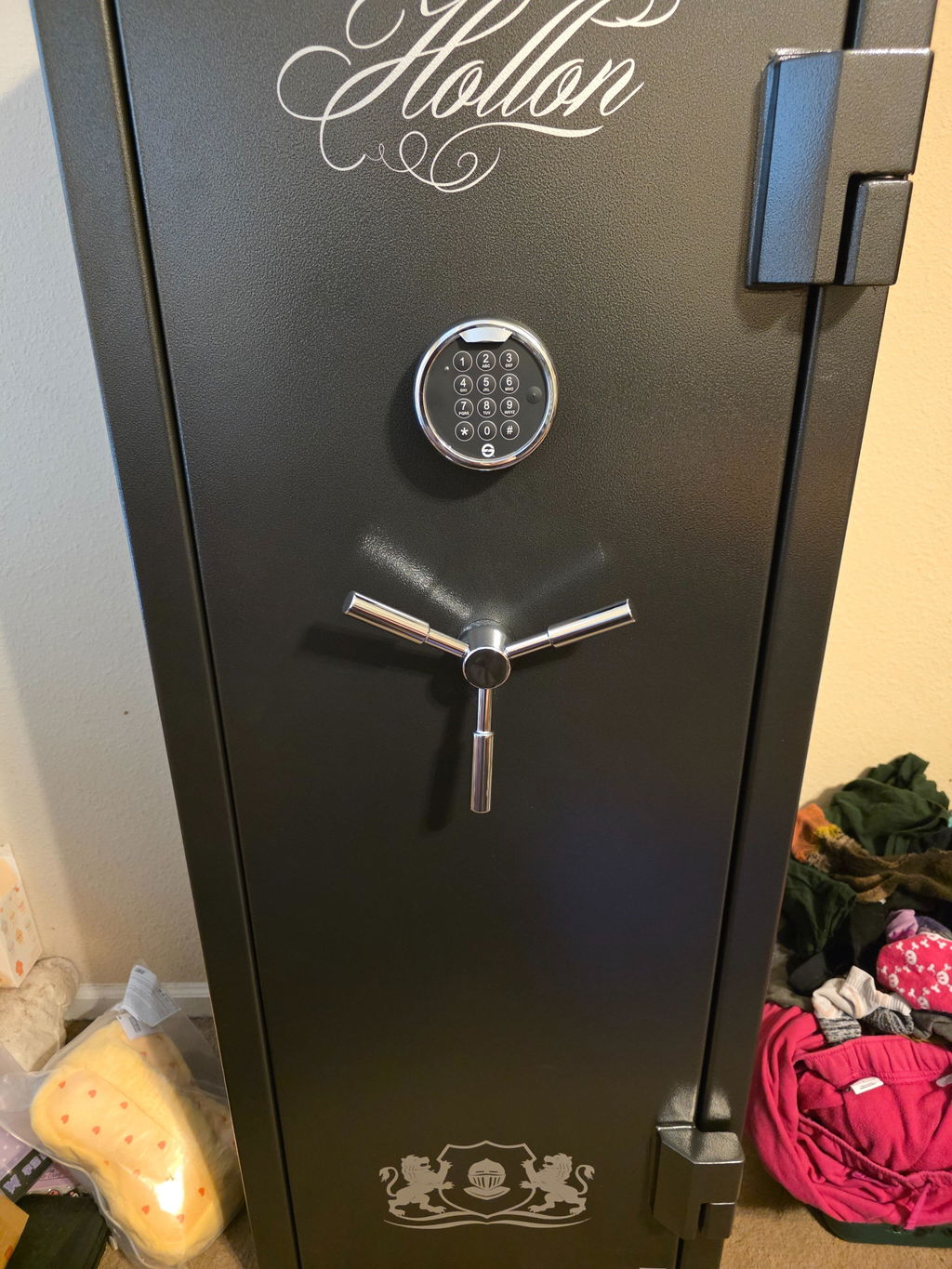
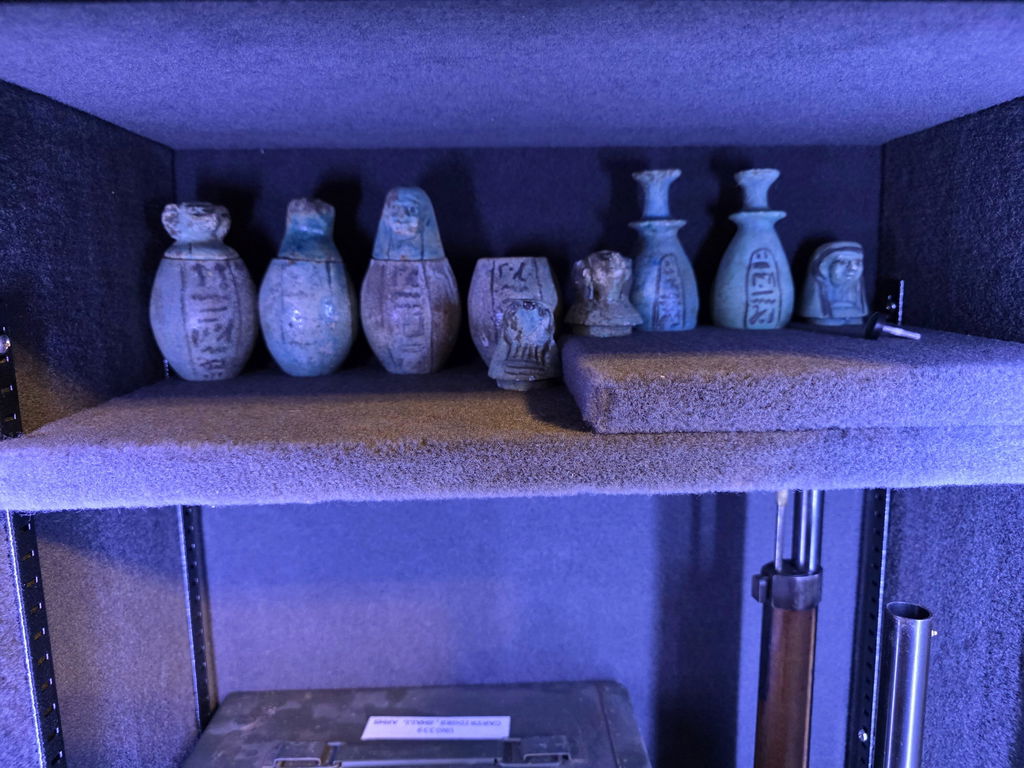
Best service of any product I have bought in many years. Totally focused on my questions and concerns. Great response time and excellent delivery.