


This is a well built safe. Clearly not a Sentry Safe or the other things you see at department stores. It has good capacity with a top drawer for documents and small things and a shelf that you can place at various levels. The keypad is easy and I like that the batteries are on the outside and that there’s no key override.
No problem with the safe except for during Shipping it had got damaged at the top. The odd thing the cardboard box had no physical damage on it, but the top of the safe had a huge dent in it. I was sent some touchup paint.🥲
Outstanding product and terrific service from Mammoth Safes and Hollon. Shellah was so professional, thorough and courteous throughout the entire process (initial contact, ordering, payment, shipment and delivery). Thank you Shellah, Mammoth and Hollon for making this purchase a wonderful experience.
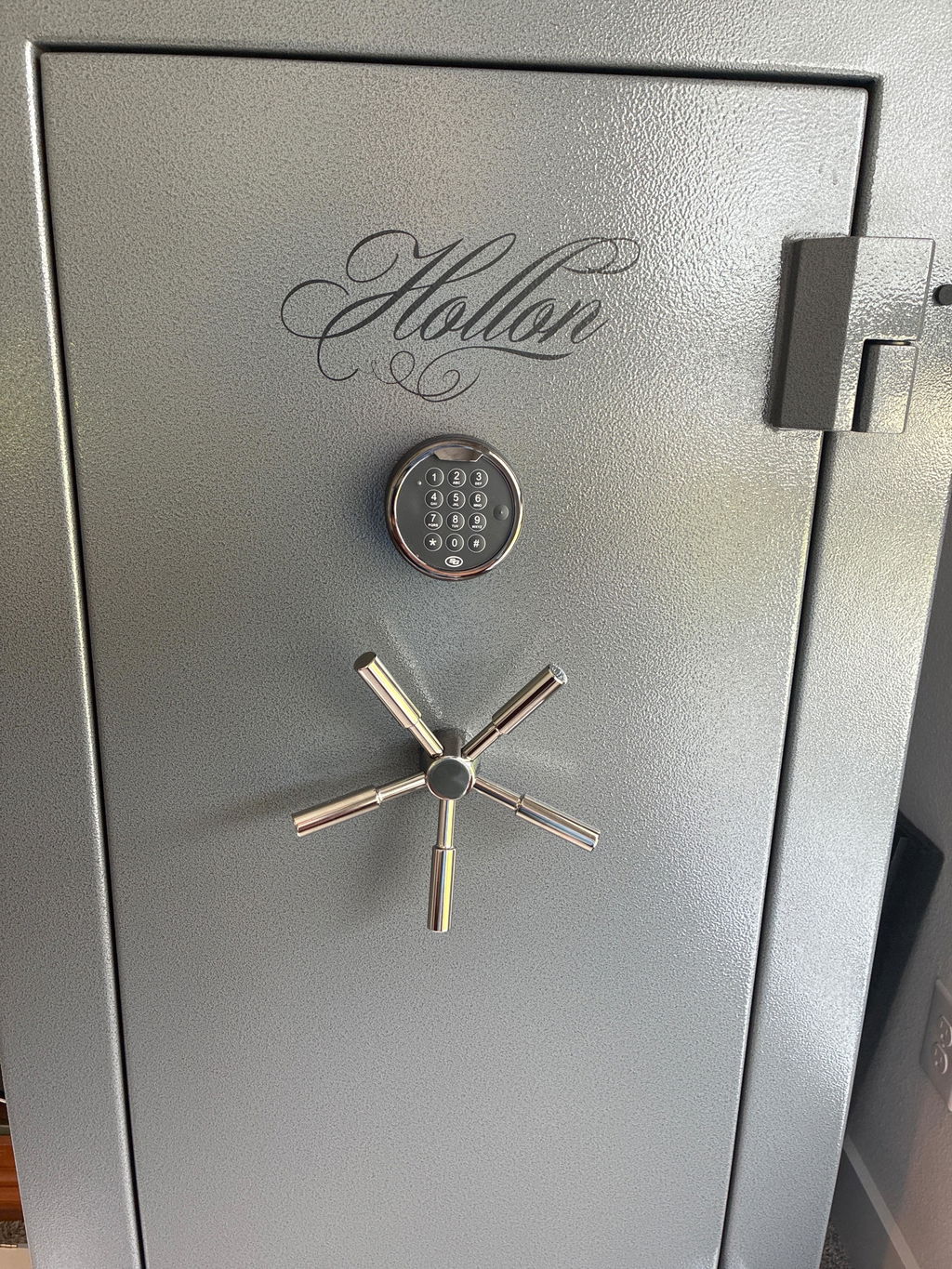
For years I've kept my precious metals in my gun safe. A higher end safe. But as my silver and gold collection was getting substantial I started worrying about it. I bought this Hollon 1014c, bolted it down with a 1/2" x 5" concrete screw. It isn't going anywhere, and no one is getting in it. What a beast, perfect for precious metals
The safe met all of my expectations and desires.
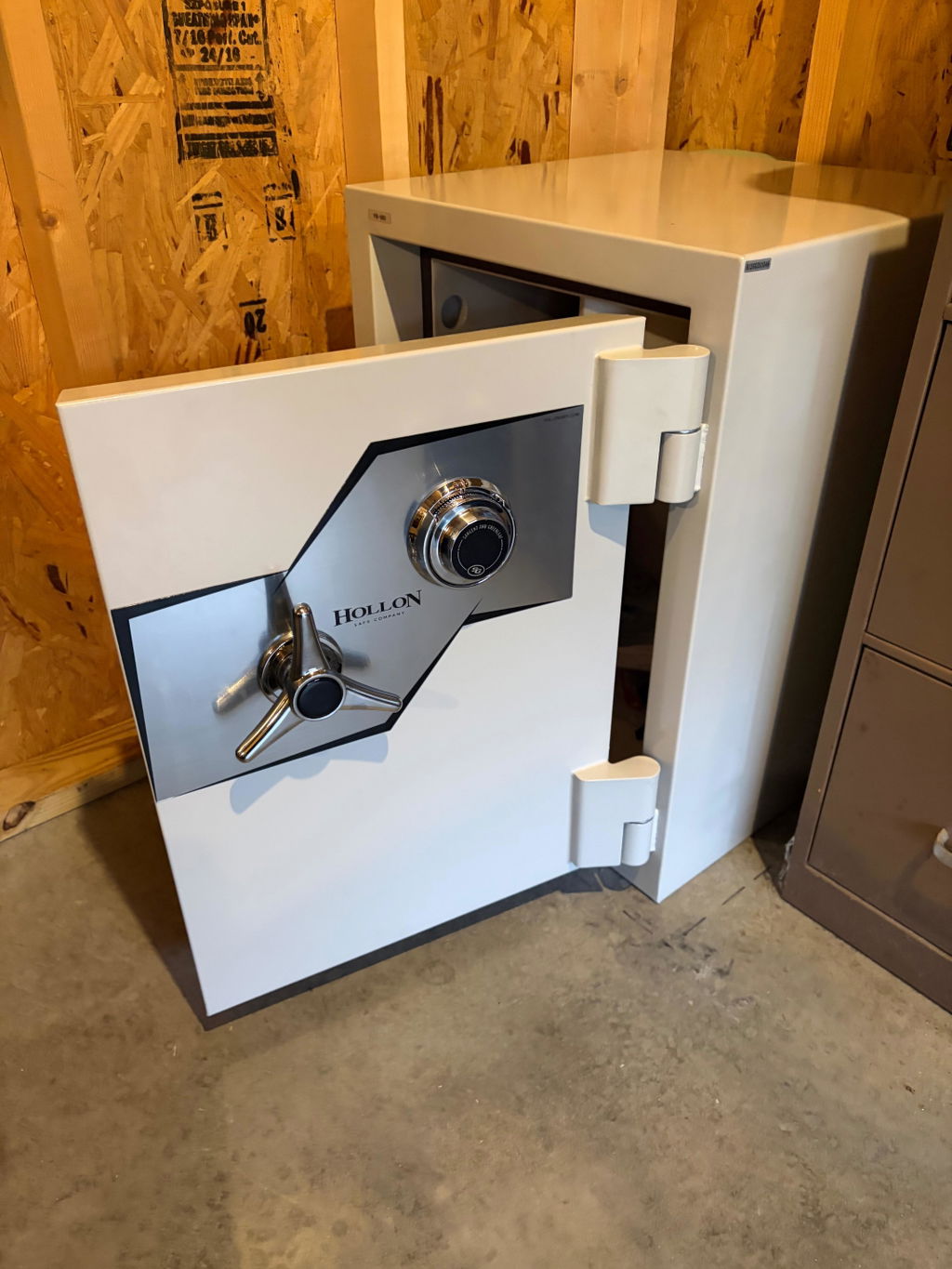
After recieving the safe, I got to say I'm impressed. It's a very solid safe and I wont have to worry about my stuff. You dont have to worry about anybody picking it up, and running off with it. Very simple and easy to open. Dial turns very smooth and door opens with ease. I put a tilt sensor in it, so if anyone was to try and get it, im immediatly notified with 130 decibal alarm blaring! Im very satisfied with this purchase, and glad I chose Hollon!
I was a little reluctant to make a high value purchase like this on-line but my interaction with customer service eased those concerns. The price was right, the transaction was smooth, the safe arrived very well packaged and protected and the communication throughout the process was excellent. I would not hesitate to recommend mammoth safes or purchase from them again.
This safe is an absolute tank. I feel confident my valuables are now protected. The communication after ordering was top notch and I received proactive emails about the status of my order that kept me updated. Delivery was also smooth and the safe came well protected.
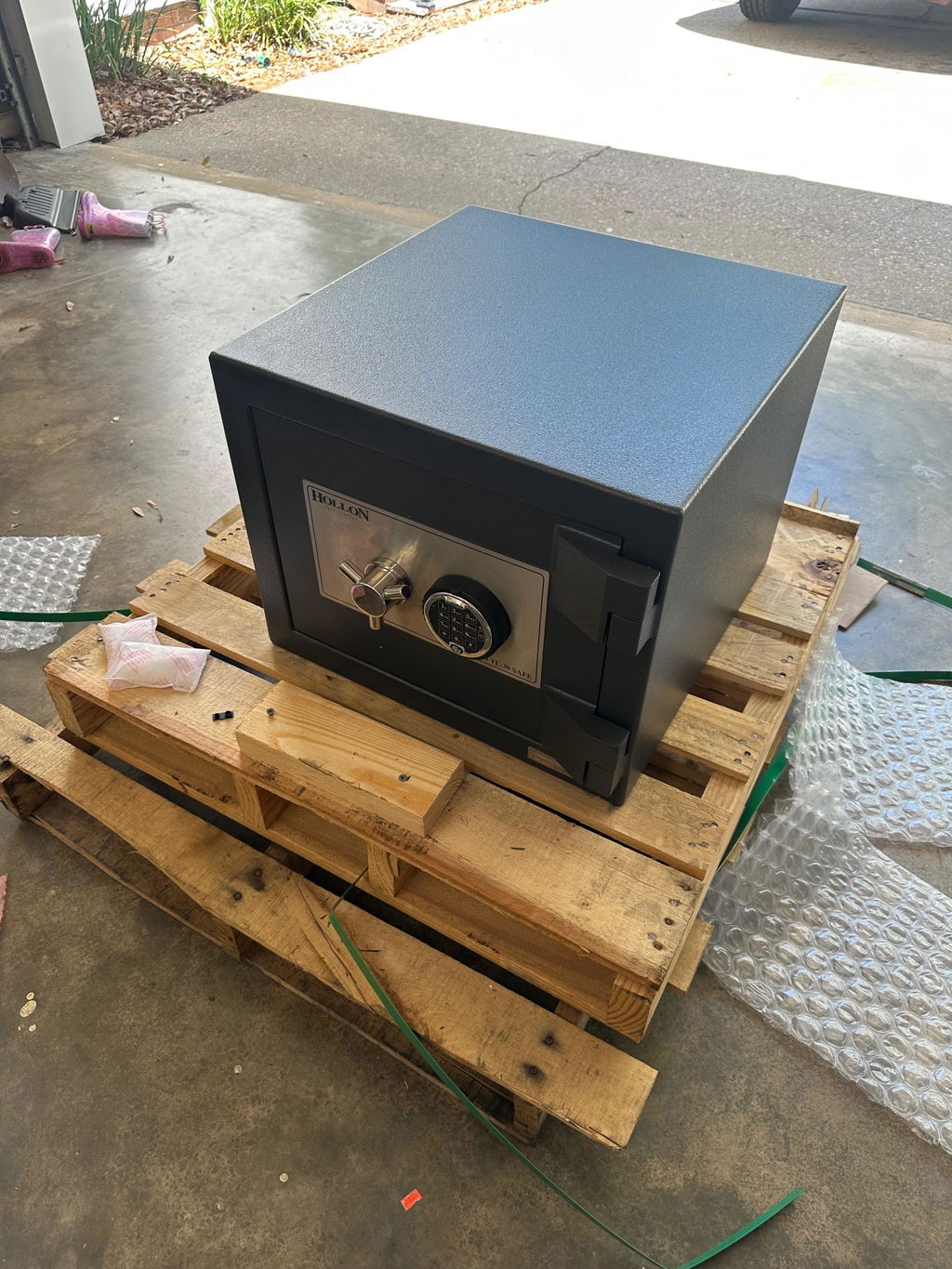
Mammoth safes, great place to get your safe. Great prices,quick shipping and great customer service. If i ever need another safe i will come back to Mammoth safes!
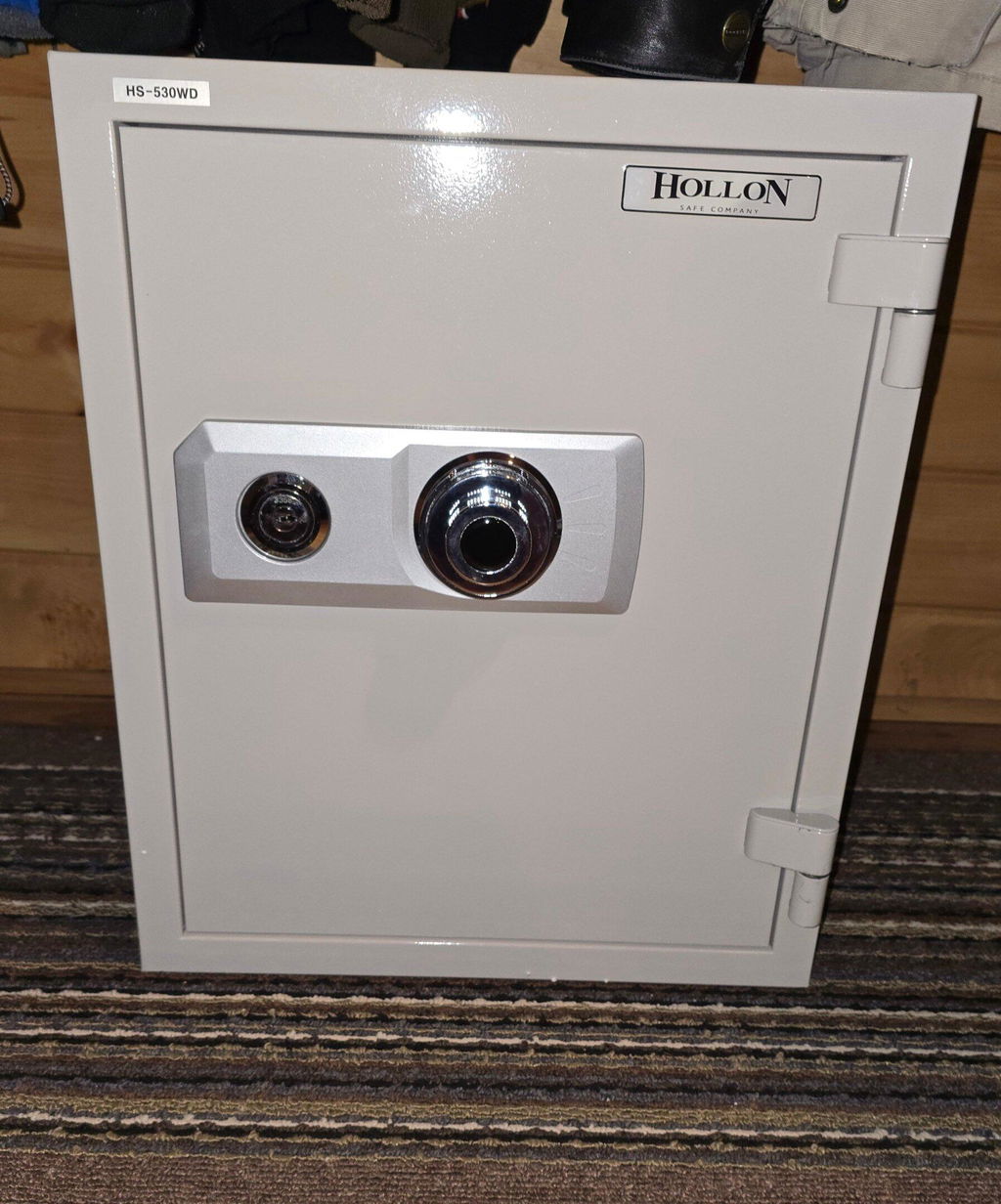
I recently purchased the Hollon BHS-39E Black Hawk Gun Safe, and I couldn’t be more impressed with both the product and the overall experience. The build quality is outstanding—this safe is solid, heavy-duty, and clearly designed with security in mind. The craftsmanship is evident from the moment you see it, with a durable finish and a well-designed interior that makes organizing firearms and valuables easy.
One of the standout aspects of my experience was the shipping. Freight delivery was surprisingly fast and efficient, and everything arrived in perfect condition. It’s clear that care was taken in packaging and handling.
Customer support was equally impressive. Any questions I had were answered promptly and professionally, which made the entire purchasing process smooth and stress-free. It’s refreshing to deal with a company that genuinely values its customers.
I also really appreciate that they honor discounts for military personnel and first responders. That level of respect and recognition goes a long way and speaks volumes about the company’s values.
Overall, the Hollon BHS-39E Black Hawk Gun Safe delivers excellent quality, backed by top-notch service and fast shipping. I would absolutely recommend it to anyone looking for a reliable, well-built gun safe.
I needed a small secondary safe for in a small closet. This fit the space perfectly to hold a couple of rifles and hand guns. Safe is sturdy and will do the job. Open easily and will secure my firearms
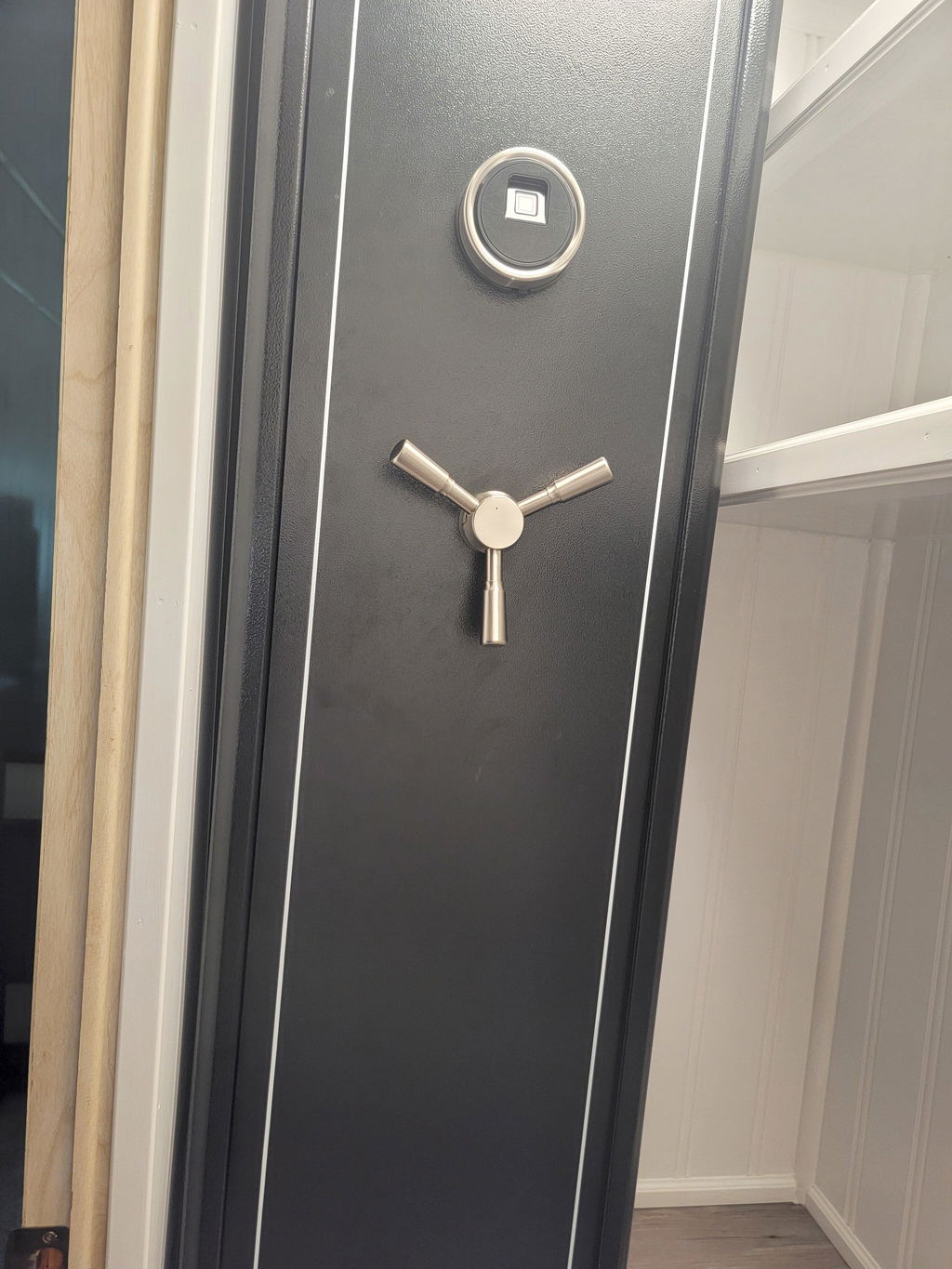
This is my first safe and I spent alot of time looking at various brands and companies. I reached out to Mammoth Safes and got assistance in choosing my safe. Shellah was honest, didn't pressure me, and explained the entire process. The safe arrived in the timeframe I was given and in PERFECT condition. HANDS DOWN INCREDIBLE BANG FOR BUCK! The lights are clean and motion censored, tons of space for what I need, solid build, 75 min fire rating is amazing. I could not recommend Mammoth Safes or Hollon anymore than I have. 10 out of 5 stars!
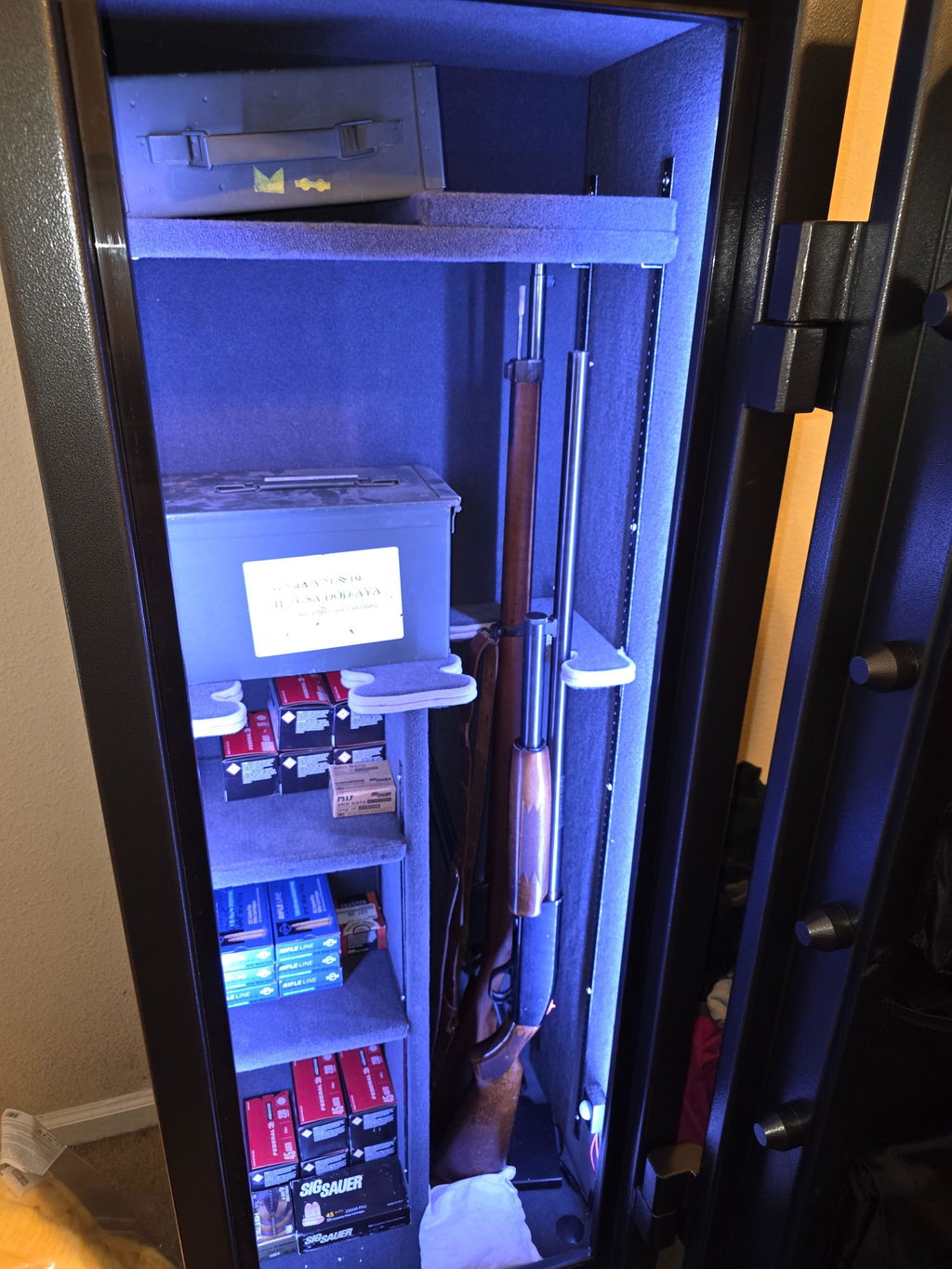
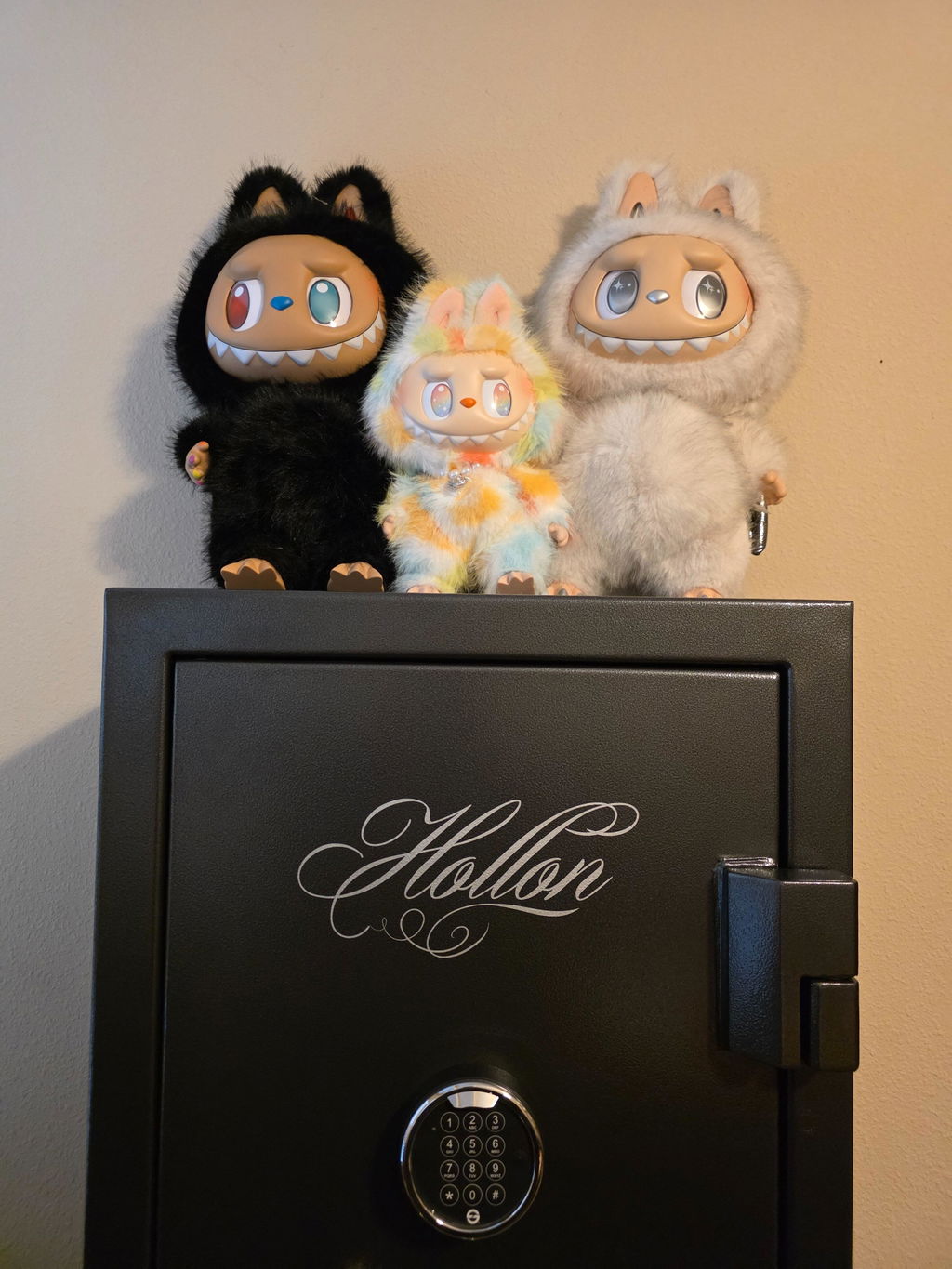
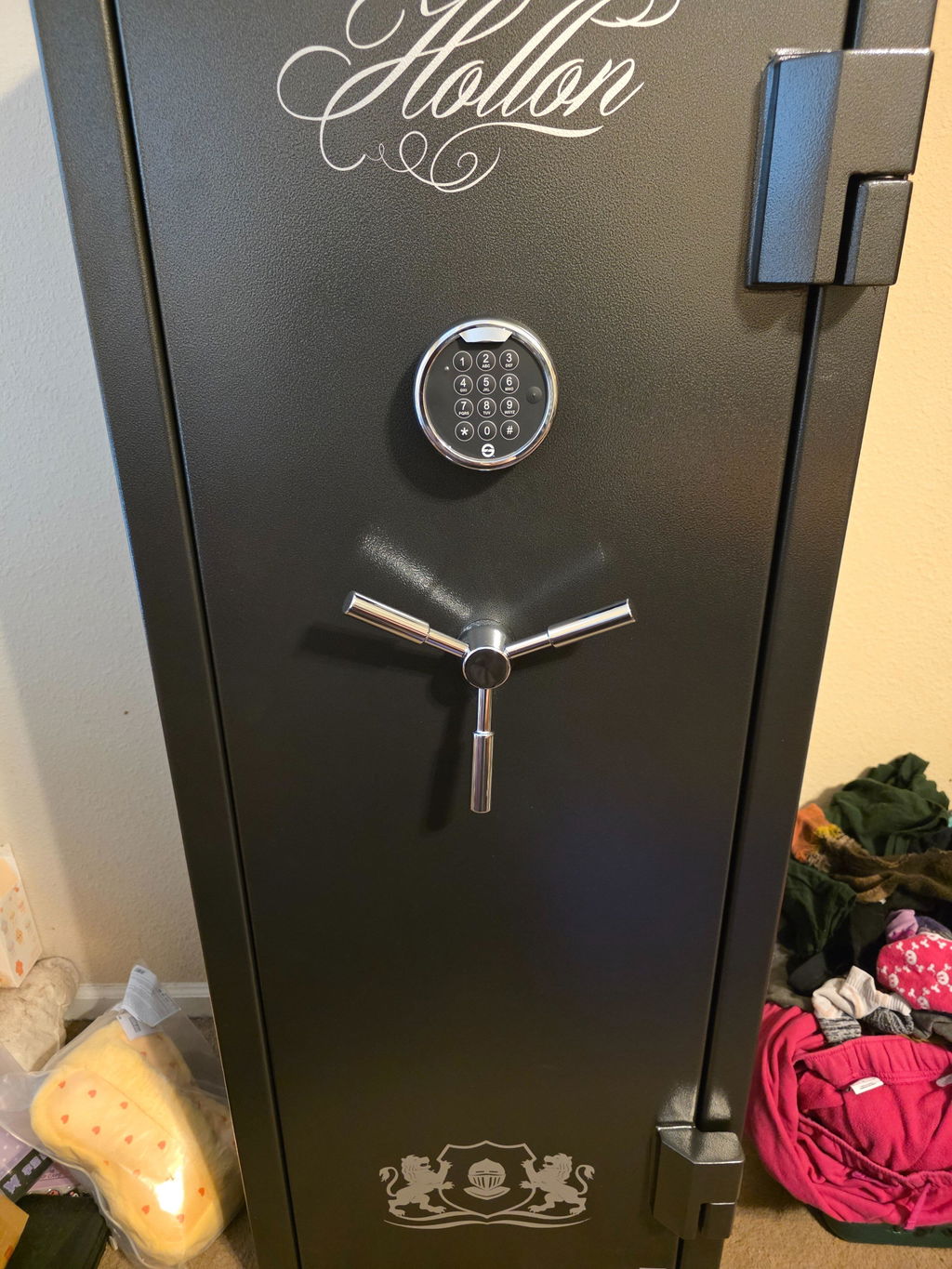
Best service of any product I have bought in many years. Totally focused on my questions and concerns. Great response time and excellent delivery.
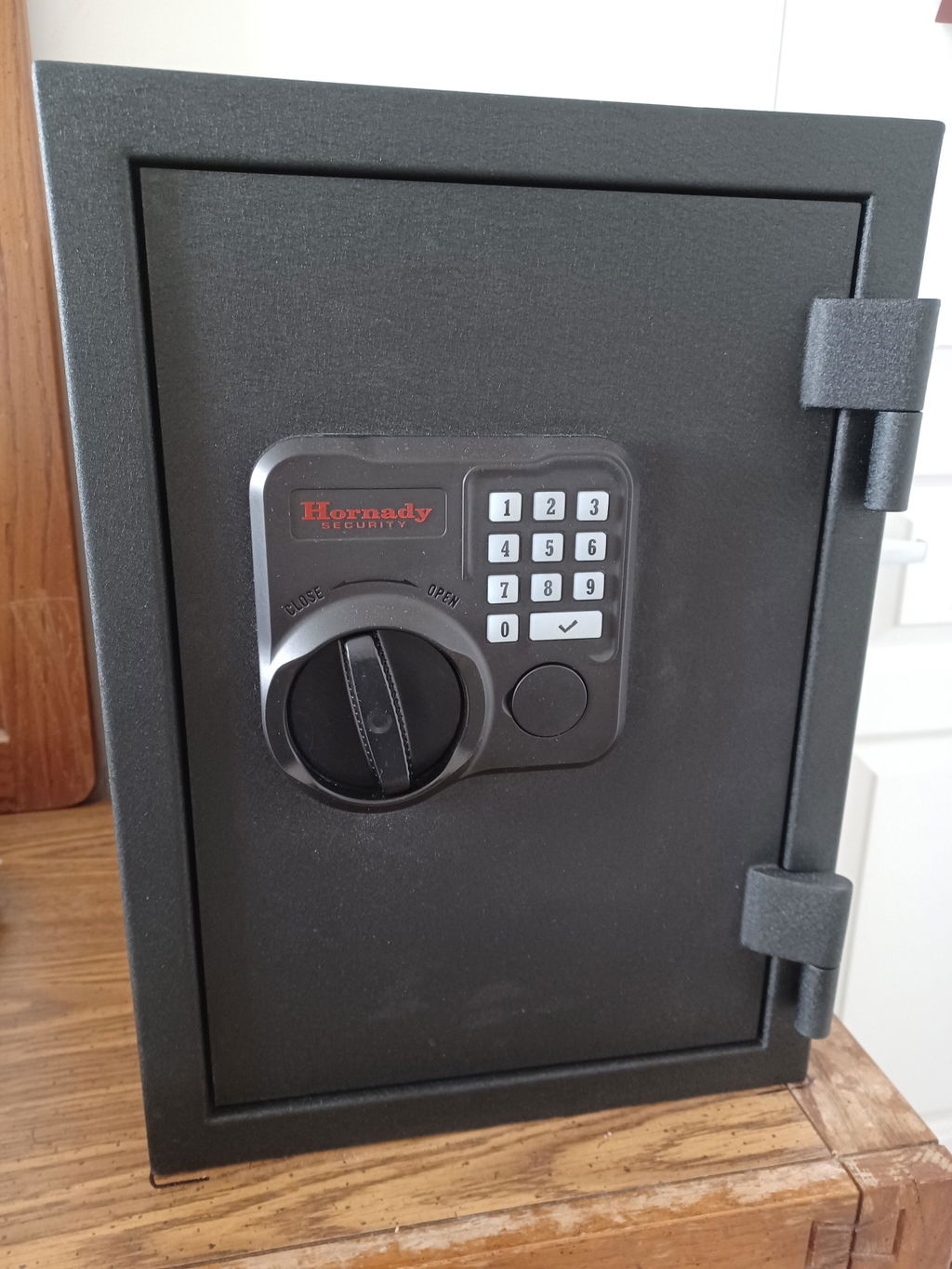
I bought this safe to mount on a heavy wooden dresser. At 49 lbs, it is about the heaviest safe I could use in this configuration, while still having a heavy-duty 8-gauge steel door and 16-gauge steel body. The safe worked flawlessly every time I open and close it with the PIN code -- never needed the key, which I keep locked up in another safe. The weakest point that I can see is the 7-pin barrel key that provides access if you forget your PIN; a second key other than the combination lock is a weak point on any safe. But, this isn't Fort Knox. So far, this was a very good choice and value for a medium duty safe.
Start to finish dealing with Mammoth Safes was to easy, from shipping & customer support I would recommend them to a friend or family member
safe was not damaged upon arrival, and worked perfect
Took awhile, but needed to store documents and binders along with personal items and this size works perfectly, fire rating was a major plus in my decision.
Well built and heavy enough to secure your items. Safe is a beast and adds to our security.
Delivery and driver were great.
Highly recommend.
I have been through several of the home improvement store type safes that cost a few hundred dollars. When a house in our neighborhood burned to the ground I figured I better step it up to something better. There is no comparison between this and one of the department store or home improvement off the shelf safes. Remember that the door comes off if you are moving it as it greatly reduces the weight. Very happy with my purchase.
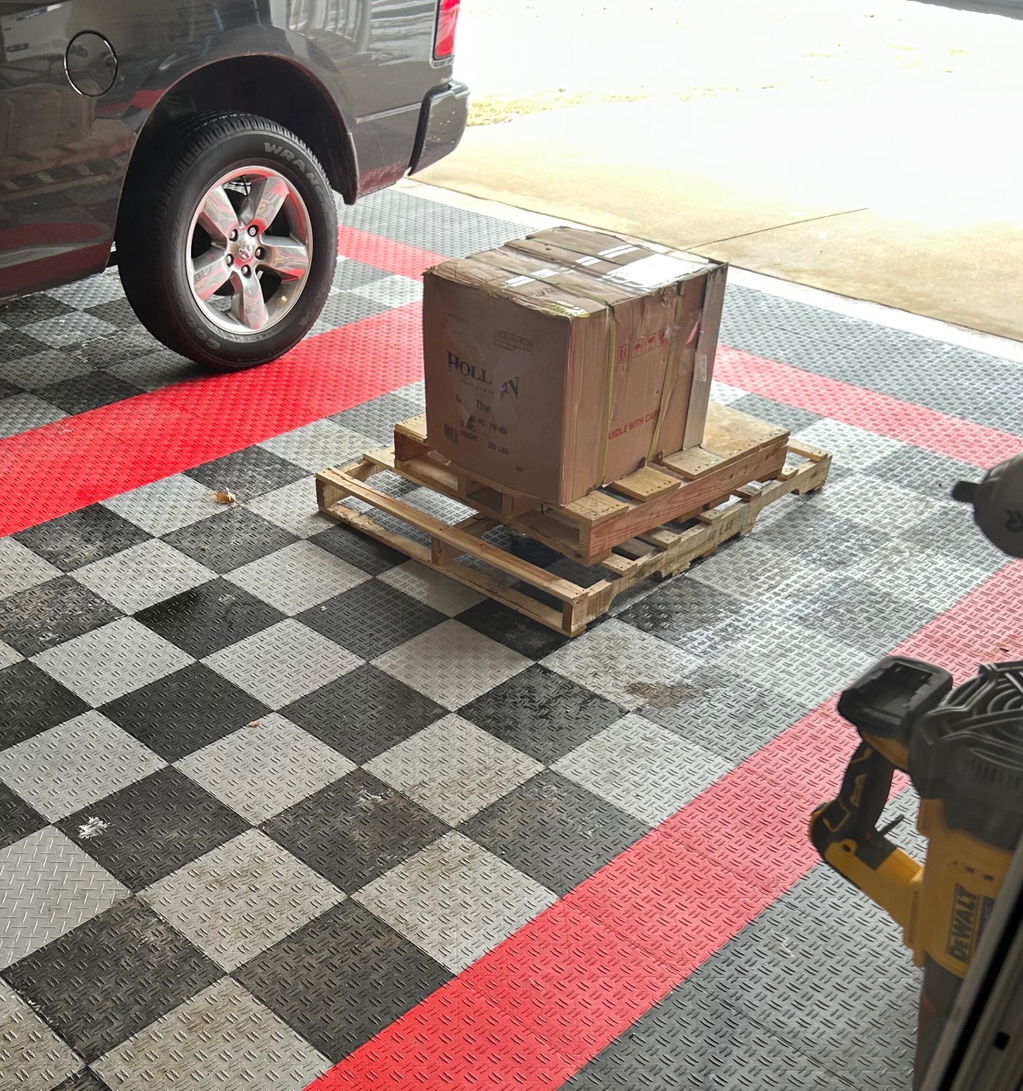
Great safe. Easy delivery. Easy setup. Wish I bought a bigger one!
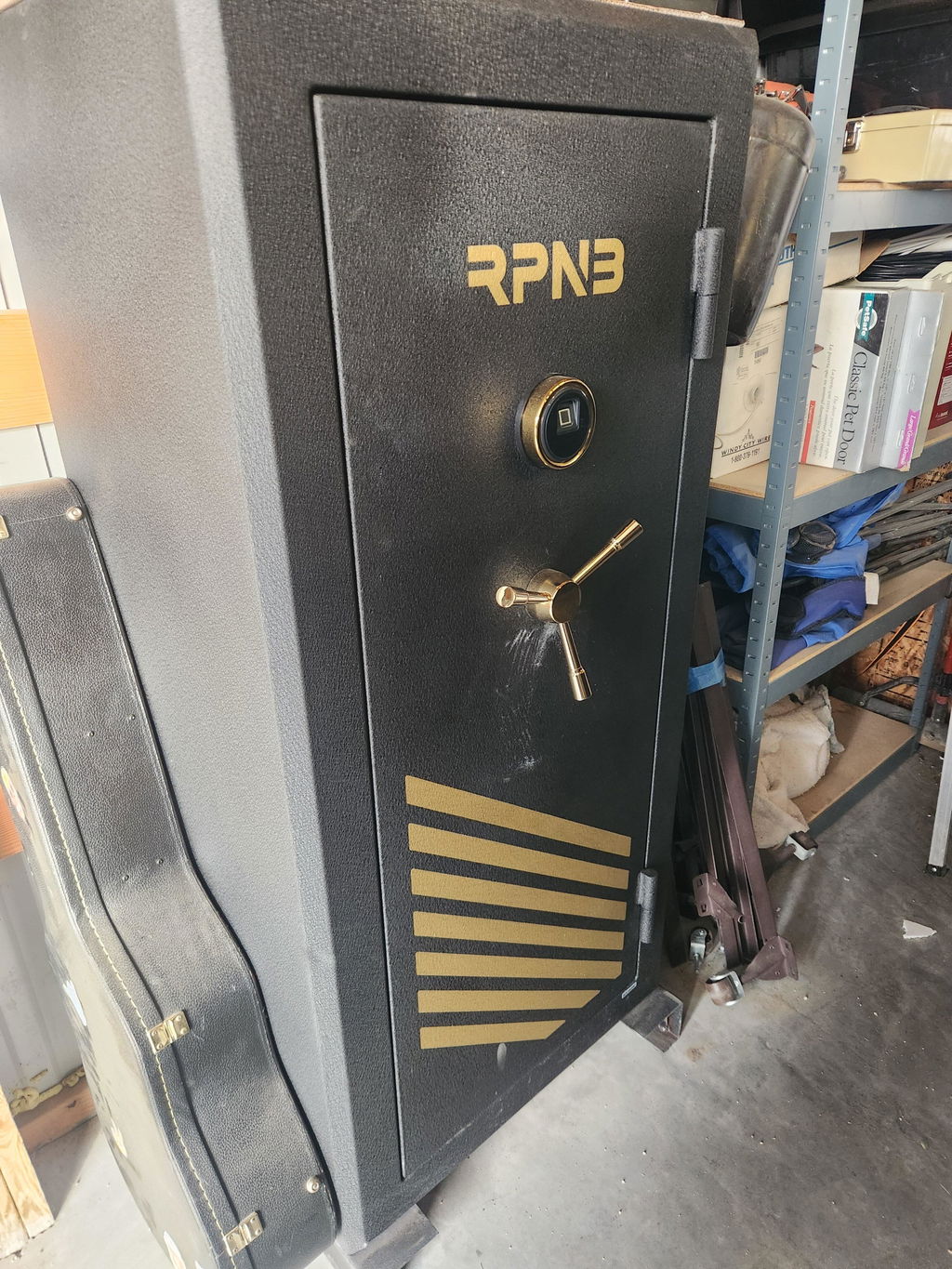
I purchased this safe because of the price and size. Shipping was fast. This is the perfect size home safe for protecting your valuables.
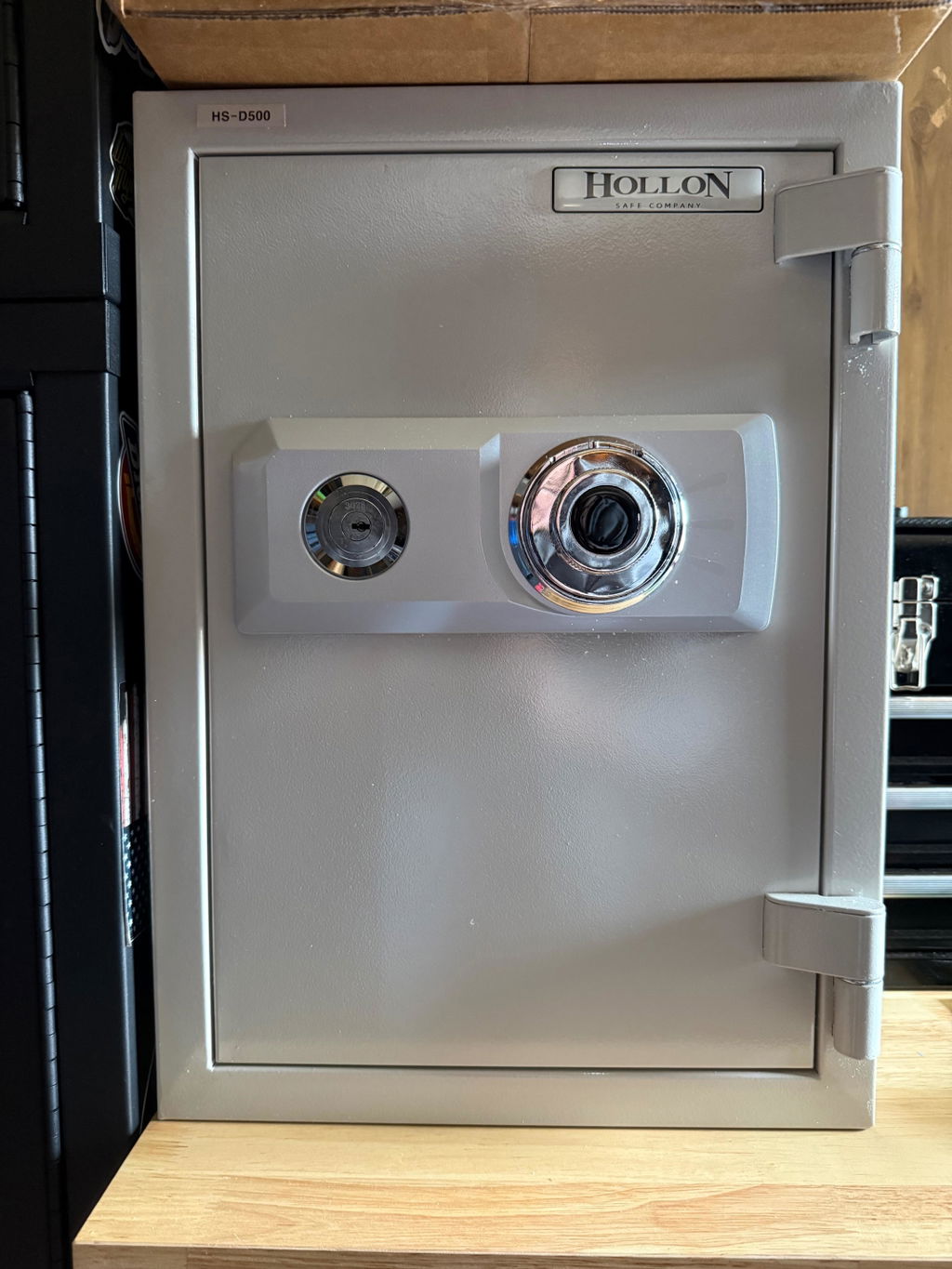
I purchased a safe from Mammoth and by far the best price and the best customer service. They kept in looped in as far as shipment goes and it was a very quick delivery. Also needed an extra shelf after the sale, and again, great service and price PLUS they included shipping. This should be your go to safe source!
This is a excellent addition to our home. My wife was looking for a safe place to keep her jewelry. We feel this was the perfect solution. So happy to have picked Hollon. The customer service was over the top. Could not have a better experience. Thank You!
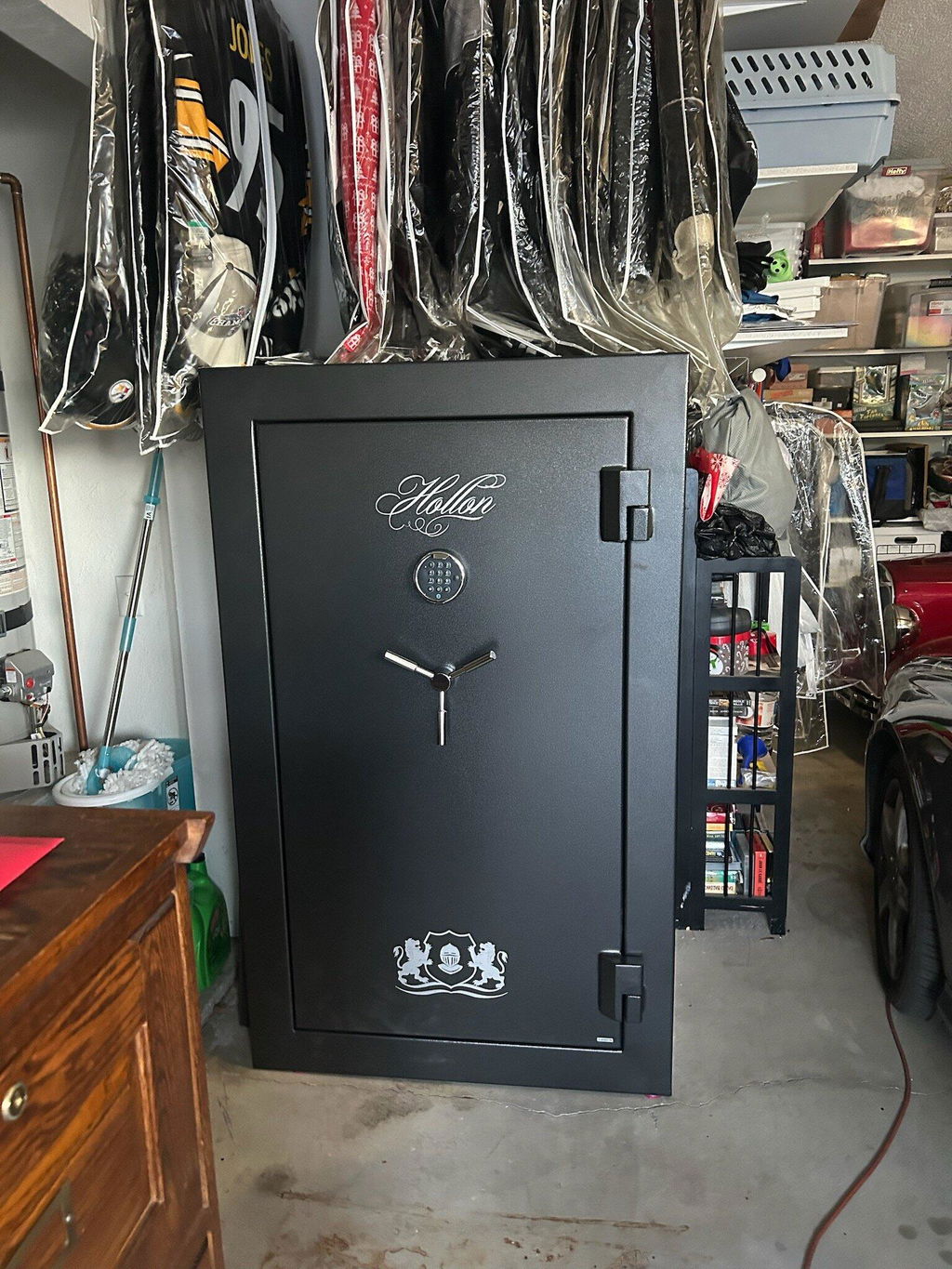
Purchasing and delivery was a breeze, price was competitive, and the customer service staff applied a rebate for me! The safe seems to be high quality, heavy duty, with rigid shelves and a premium interior and exterior finish. Very happy, would buy again.
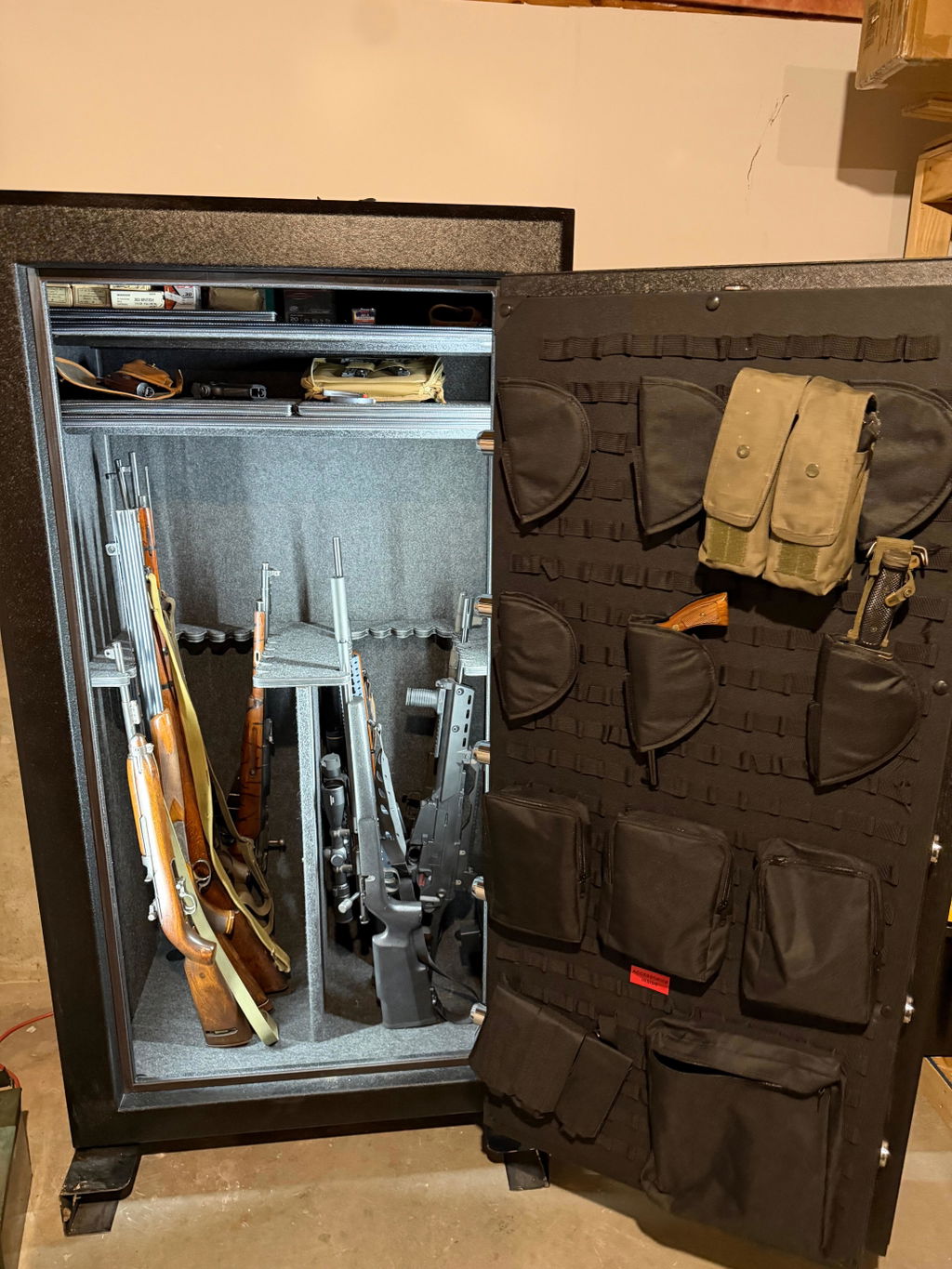
This biometric gun safe is a must for living in a remote, rural environment. It provides quick, safe access to a loaded gun that is affordable and a great value. This safe sits on a nightstand and is cabled to our bed. We have grandchildren and the safe provides protection against any wrongful access. My only complaint is the occasional failure of fingerprint access but the custom code has always worked. Too many failed attempts to access results in the wrong person being locked out. I am very happy with the purchase and recommend this safe to others.
The Hollon Dom 11c is a well built quality safe with thick walls making it sturdy and hard to move. The manual dial is smooth and reliable. This is exactly what I needed to store long guns in my hunting cabin.
Solid Safe. Feel good about the fire protection and security it provides. Would buy again.